
- Apps


 Easy Bundle ‑ Product Builder
All-In-One bundle builders
 Qe Slider ‑ Carousel Slider
Elevates Revenue with Slick Slider
 Qe Seasonal Effects & Decor
Add Festive Seasonal Decorations
 Qe Quick Link Redirect
Fix Broken Links Effortlessly
 Qe Frequently Bought Together
Boost Sales with Smart Upsells
 QeApps ‑ Mobile App Builder
No-code Mobile App Builder
 Qe Product Compare
Allowing Shoppers to Compare Items
 Discount Bulk Volume Quantity
Create Custom Product Bundles
 Sticky Cart+ Fly Cart
Add Fly-to-Cart Animations.
 QeCart ‑ Slide Out Cart
Add Dynamic Slide-out cart
 Qe Speechify | Voice Search
Seamless Voice Search Functionality
 Qe FAQ Page & Product FAQs
Customizable Product FAQs
 ATC Button Animation
Add to Cart Button Animations

Explore Our Shopify Apps to Grow Your Store
- Check Our Apps


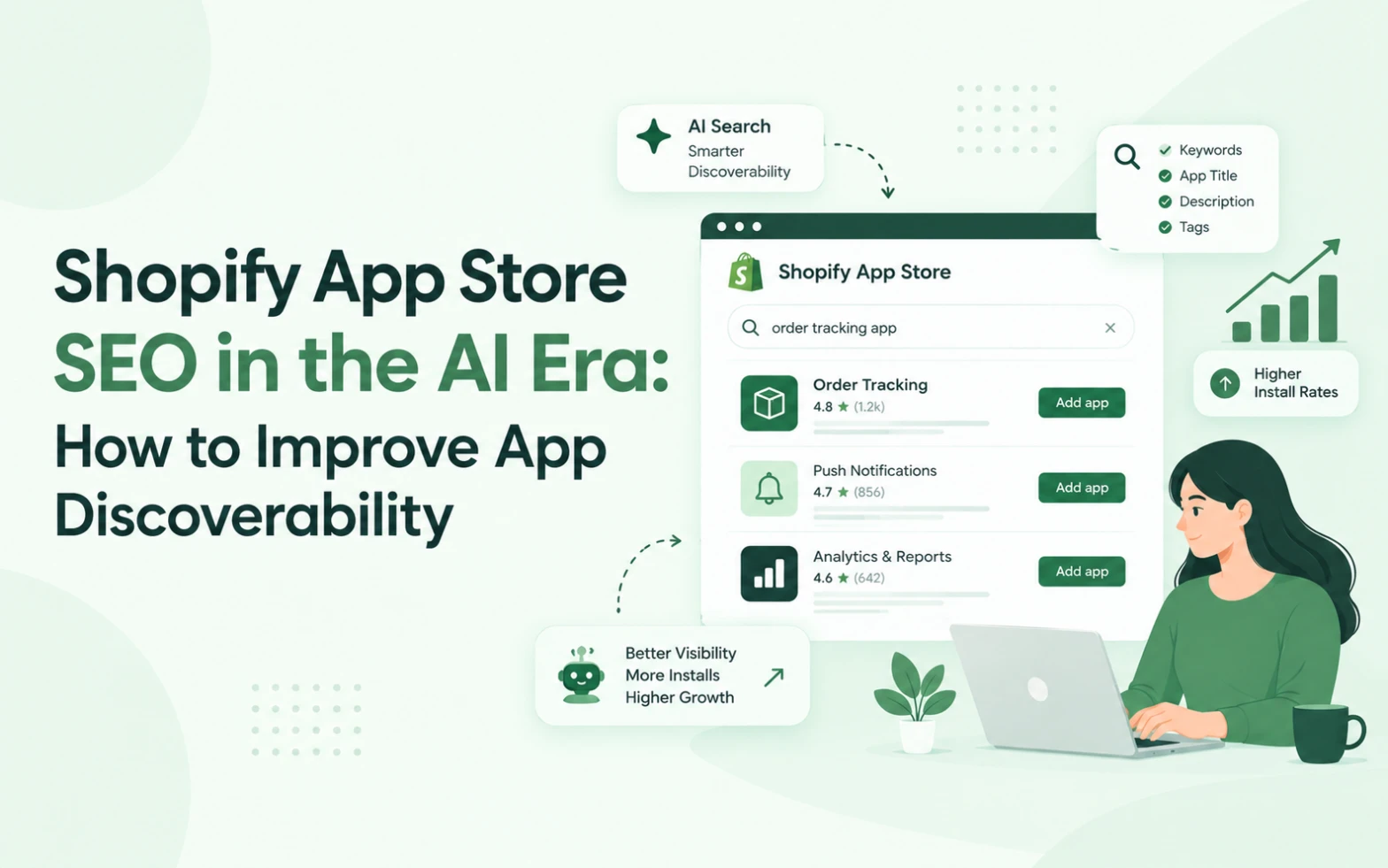
Introduction: Shopify App Discovery Is Evolving
Building a useful Shopify app is only one part of growing an app business. Merchants must also be able to discover the product, understand its value and decide whether it meets their needs.
For years, Shopify app developers have invested in App Store optimisation, keyword research, reviews, screenshots and conversion improvements. These activities remain important, but AI-assisted experiences are creating additional opportunities to rethink how merchants find software.
Shopify Sidekick is one example. Merchants can ask for an app or describe a goal and receive app recommendations within the Shopify admin experience. Shopify also supports app extensions that allow participating apps to expose data and workflows to Sidekick.
For app developers, the important question is not whether traditional SEO will disappear. It is how to build on established discovery practices while preparing for new ways merchants may explore solutions.
At QeApps, we believe app discoverability starts with a simple principle: help the right merchant understand the right solution as quickly as possible.
This guide explains how to improve Shopify App Store SEO while preparing for an evolving AI-driven ecosystem.
1. Understand the Difference Between Keywords and Search Intent
Keywords help merchants find information, but they do not always explain the underlying problem.
Consider a merchant searching for “Shopify bundle builder.” They may want to combine products, offer discounts, create personalised gift boxes or allow shoppers to select products themselves.
The keyword describes a category. The merchant’s intent explains what they want to accomplish.
Understanding both is important when positioning your app.
Start by identifying three things:
The problem: What challenge is the merchant trying to solve?
The desired outcome: What should become easier or better?
The product’s role: How does your app help achieve that outcome?
For example, instead of relying only on a phrase such as “advanced bundle management,” explain the supported outcomes, such as allowing shoppers to create personalised product bundles.
Use this information to improve your app listing, website content, screenshots and educational resources.
Do not add unrelated keywords simply because they have search volume. Relevant content helps merchants understand the product and supports more qualified discovery.
2. Optimise Your Shopify App Listing for Clarity
Your app listing should make its purpose clear without requiring merchants to read every section.
Review the main elements.
App title and opening description
Use clear wording that helps merchants understand the product category and its primary value.
Avoid vague marketing language that could describe any software product.
Feature descriptions
Explain what each important feature does and why it matters.
Instead of listing “Advanced customisation,” describe the specific customisation options available and the use case they support.
Only include features your app actually provides.
Screenshots and product demonstrations
Use accurate screenshots that demonstrate the real interface.
A useful first image should communicate the primary use case. Additional visuals can explain workflows, supported features and outcomes.
Avoid crowded graphics and text that becomes difficult to read on smaller screens.
Pricing and compatibility information
Make important conditions easy to understand. Where relevant, explain pricing, trial terms, supported workflows, plan restrictions and compatibility.
The objective is to help the merchant decide whether the app is suitable before installing it.
A clear listing can reduce confusion and support better-informed installation decisions.
3. Write Content Around Real Merchant Questions
A useful app marketing strategy extends beyond the App Store listing.
Merchants often research a problem before they know which software category they need. Helpful educational content can introduce the problem, explain possible solutions and show where your app fits.
For example, a product bundling app could support articles about:
- How to create product bundles on Shopify.
- How personalised gift boxes work.
- What merchants should consider when offering bundle discounts.
- How to present bundle options clearly on a product page.
Each article should answer a genuine question and explain the relevant considerations honestly.
Avoid publishing several articles that repeat the same information with different keyword variations. Each piece should offer a distinct benefit.
For QeApps, this approach can support a broader content strategy: one main article explains Shopify Sidekick and app discovery, while related articles address technical readiness, App Store SEO and merchant-intent-driven product development.
Together, these resources help readers move from understanding the trend to taking practical action.
4. Prepare for Shopify Sidekick and AI-Assisted Discovery
Shopify’s official merchant guidance explains that Sidekick can recommend apps based on a merchant’s request, compare relevant options and help merchants begin installation from chat.
This creates another reason to communicate your app’s purpose accurately.
However, an app should not assume that mentioning Sidekick, repeating keywords or publishing more articles will guarantee a recommendation.
Instead, focus on the areas you can control.
Explain your app’s capabilities precisely
Describe what the app does, who it is for and which merchant problems it addresses.
Keep information consistent
Your website, App Store listing, documentation and product interface should describe the same core capabilities.
Explore supported integrations
Where appropriate, review Shopify’s current Sidekick app extensions documentation. Developers can investigate supported ways to expose app data and actions through extensions.
Maintain product quality
A relevant listing cannot compensate for a product that performs poorly or fails to meet merchant expectations.
AI-assisted discovery should complement a strong product and marketing foundation rather than replace it.
5. Build Trust With Reviews, Evidence and Honest Claims
Trust is important when merchants choose software that may affect their store operations.
Your marketing should help users evaluate the product rather than pressure them into installing it.
Use accurate screenshots, clear feature descriptions and straightforward pricing information. Explain limitations where they are relevant.
Customer reviews can provide useful evidence of real experiences. Encourage genuine feedback through appropriate channels, but never manufacture reviews or offer incentives in ways that violate applicable platform policies.
When using testimonials, obtain permission and preserve the meaning of the customer’s statements.
You can also demonstrate credibility through useful documentation, practical tutorials, support resources and transparent product updates.
For technical claims, refer to official Shopify documentation where appropriate. If you describe a Sidekick integration, explain whether it is available, under development or only a potential future opportunity.
Avoid promising guaranteed rankings, AI recommendations or specific increases in installations.
Trust grows when the information a merchant sees before installation matches the experience they receive afterward.
6. Make Your Screenshots and Landing Pages Work Together
Merchants may move between an App Store listing, your website and your documentation while evaluating a product.
These touchpoints should tell a consistent story.
For example, a landing page might introduce a problem, explain how the app addresses it, show the relevant workflow and answer common questions.
The App Store listing can then reinforce the same message with concise feature descriptions and accurate product visuals.
A useful structure is:
1. Identify the merchant problem.
2. Explain the solution.
3. Demonstrate the workflow.
4. Describe the supported benefits.
5. Answer important questions.
6. Provide a clear next step.
Make sure each section provides information the reader needs. Avoid repeating the same sales message throughout the page.
This structure is useful for human readers and creates clearer, more consistent information about your product across your website.
7. Measure More Than App Listing Traffic
Traffic alone does not show whether your app marketing is working.
A page may attract visitors who are not suitable customers. Another page may receive fewer visits but lead to more relevant installations.
Track the complete journey where reliable data is available.
| Metric | What it helps you understand |
| Listing impressions | How often the listing is shown |
| Listing visits | Whether people open the listing |
| Installation rate | Whether the listing persuades relevant visitors |
| Onboarding completion | Whether new users reach the next step |
| Product engagement | Whether users begin using key features |
| Retention | Whether users continue receiving value |
| Support feedback | Where users experience confusion |
Use consistent measurement definitions and compare performance over meaningful periods.
Where possible, segment results by acquisition source, campaign and user type. Respect privacy requirements and applicable platform policies when collecting or analysing data.
If listing visits increase but installations remain unchanged, review the clarity of the offer, screenshots, pricing and trust signals. If installations increase but onboarding completion falls, investigate the experience after installation.
The aim is to identify the actual problem rather than assuming every performance issue requires more traffic.
8. Create a Sustainable App SEO Strategy With QeApps
At QeApps, we believe sustainable app growth comes from combining useful products with clear communication and continuous learning.
A practical strategy includes three connected areas.
Discovery: Help relevant merchants find information about the problems your app solves.
Evaluation: Give them accurate descriptions, demonstrations, pricing details and evidence to make an informed decision.
Experience: Ensure the actual product supports the expectations established by the listing and marketing content.
Shopify Sidekick adds another consideration: developers should evaluate how their app could fit into supported AI-assisted workflows.
These activities should work together. App Store SEO is not a substitute for product quality, and AI readiness is not a substitute for understanding your customers.
Build your strategy around real merchant needs, review performance regularly and update content when your product or the Shopify ecosystem changes.
Conclusion: Build for Discoverability, Not Just Rankings
Shopify App Store SEO remains valuable, but app discovery is becoming more varied as merchants use search, educational content and AI-assisted experiences to explore solutions.
Developers should focus on clear positioning, relevant content, trustworthy listings, accurate demonstrations and measurable improvements to the customer journey.
There is no guaranteed formula for being recommended by Sidekick. What you can do is make your product easier to understand, maintain a high-quality user experience and explore the integration options Shopify supports.
For a deeper look at the broader trend, read QeApps’ main article, Shopify Sidekick & App Discovery: What App Developers Need to Know. Replace the example destination with the published URL of the main article.
The long-term goal is simple: help merchants recognise your app as a relevant solution when they need it, and give them good reasons to trust it once they find it.
Frequently Asked Questions
1. How can I improve my Shopify App Store SEO?
Optimise your app title, description, relevant keywords, screenshots and feature details. Use clear messaging that matches merchant search intent and accurately explains your app’s value.
2. How do Shopify merchants discover apps through AI search?
Merchants can discover apps through AI-assisted recommendations, conversational queries and traditional search. Clear app descriptions, useful content and accurate product information help communicate relevance.
3. How can I optimise my Shopify app listing for AI discovery?
Describe your app’s capabilities, target users and use cases in specific, consistent language across your App Store listing, website and documentation. Avoid unsupported claims or keyword stuffing.
4. Does Shopify Sidekick recommend apps based on keywords?
Sidekick can recommend relevant apps based on merchant requests. Developers should clearly explain their app’s functionality, but keywords alone do not guarantee recommendations or visibility.
5. Which metrics should Shopify app developers track to measure SEO performance?
Track listing impressions, visits, installation rate, onboarding completion, engagement and retention. These metrics help identify whether your app attracts relevant merchants and converts interest into adoption.
Related Blogs





 [email protected]
 +91 95747 42204
 9th Floor, Solitaire Connect, Near Gallops Motors, SG Highway, Ahmedabad, Gujarat 380015


