
- Apps

 Easy Bundle ‑ Product Builder
All-In-One bundle builders
 Checkout Blocks & Customizer
Checkout Customization
 Qe Slider ‑ Carousel Slider
Elevates Revenue with Slick Slider


 Qe Seasonal Effects & Decor
Add Festive Seasonal Decorations
 Qe Quick Link Redirect
Fix Broken Links Effortlessly
 Qe Frequently Bought Together
Boost Sales with Smart Upsells
 QeApps ‑ Mobile App Builder
No-code Mobile App Builder
 Qe Product Compare
Allowing Shoppers to Compare Items
 Qe Multiship
Ship Items to Multiple Addresses
 Discount Bulk Volume Quantity
Create Custom Product Bundles
 Sticky Cart+ Fly Cart
Add Fly-to-Cart Animations.
 QeCart ‑ Slide Out Cart
Add Dynamic Slide-out cart
 Qe Speechify | Voice Search
Seamless Voice Search Functionality
 Qe FAQ Page & Product FAQs
Customizable Product FAQs
 ATC Button Animation
Add to Cart Button Animations

Explore Our Shopify Apps to Grow Your Store
- Check Our Apps

1. Introduction
App Overview: The "Last Ordered Items" app enhances your Bigcommerce store by showcasing previously purchased products through customizable banners. This feature not only improves user experience but also boosts sales by highlighting popular items.
This guide aims to help you seamlessly install, configure, and optimise the "Last Ordered Items" app to effectively showcase last ordered products on your storefront.
2. Installation
Prerequisites: Ensure your Bigcommerce store is running the latest version.
Step-by-Step Installation:
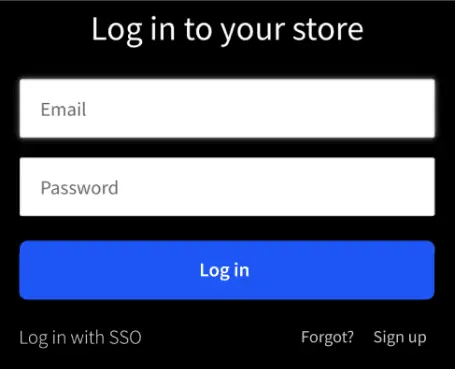
Step 1: Log in to your Bigcommerce store admin panel
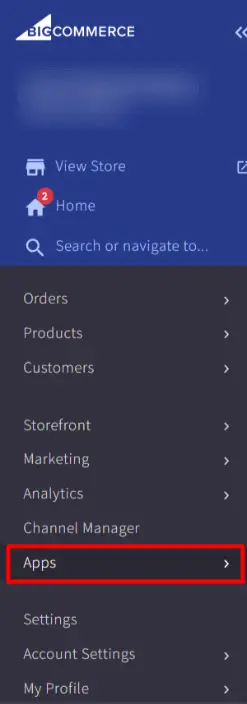
Step 2: Navigate to the Apps section
Step 3: Search for "Last Ordered Items" and click "Install"
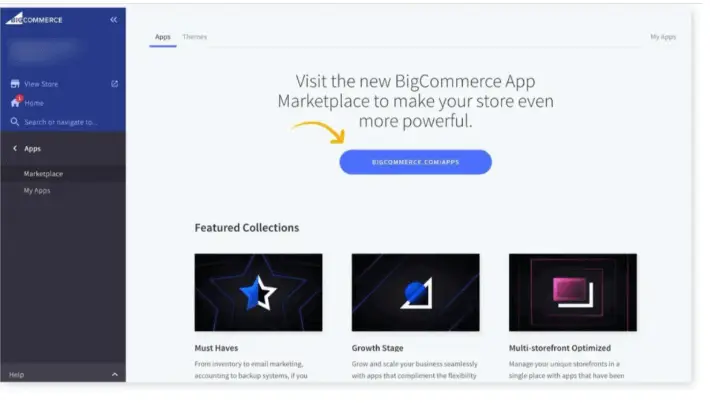
Step 4: Follow the on-screen instructions to complete the installation.
3. Setup and Configuration
Initial Setup:
After installation, locate the "Last Ordered Items" app in your Bigcommerce admin dashboard. Customise your display settings, including font size, colours, and banner style.
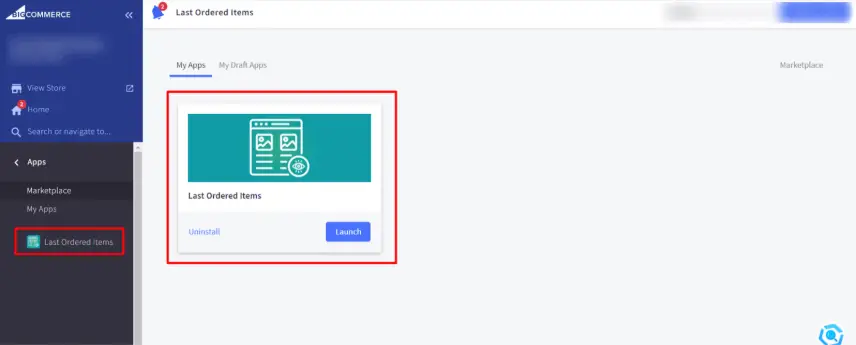
Configuration Options:
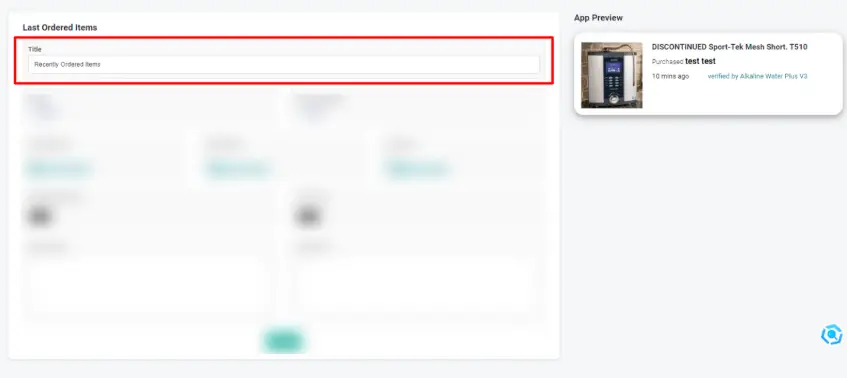
You can see all the settings preview on the right side of the app.
Title: Set the title displayed alongside the last ordered items
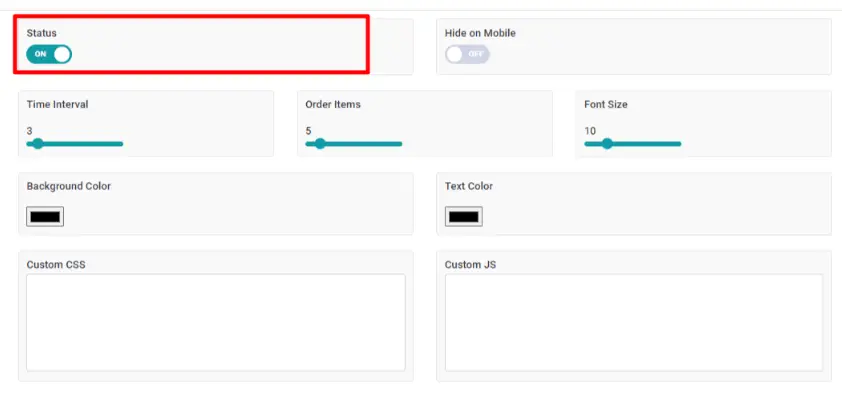
Status: Toggle to enable or disable the last ordered items section
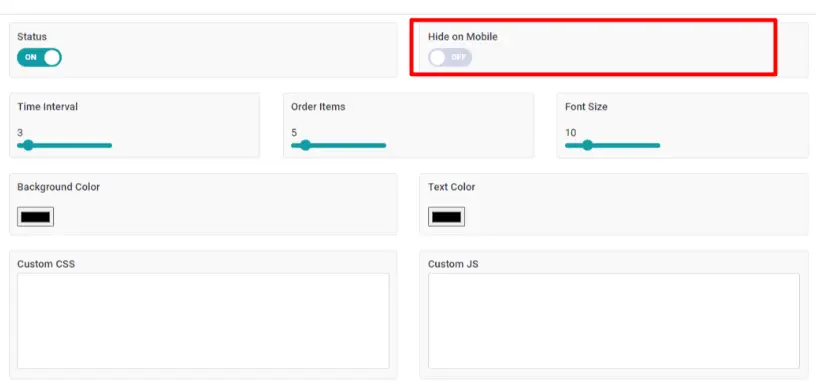
Hide on Mobile: Toggle visibility on mobile devices
Time Interval: Specify the time gap between displays of last ordered items
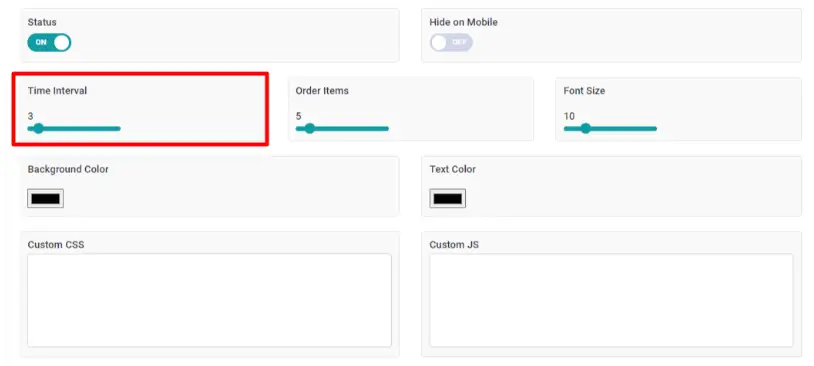
Order Items: Define the number of items to display at a time
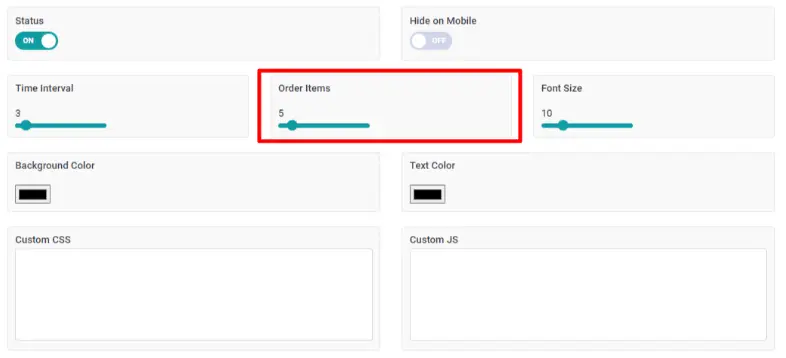
Font Size: Adjust the size of the displayed text
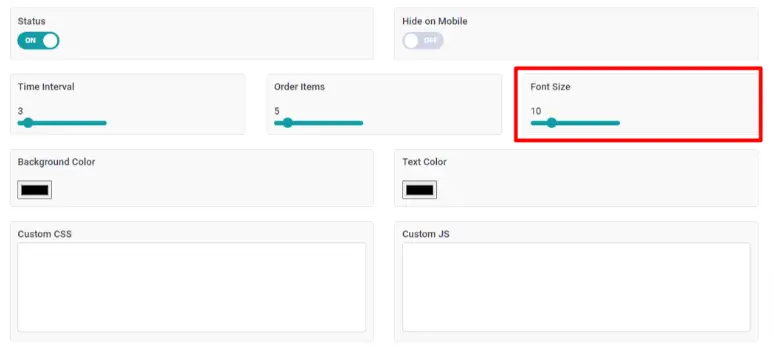
Background Colour: Customise the section's background colour
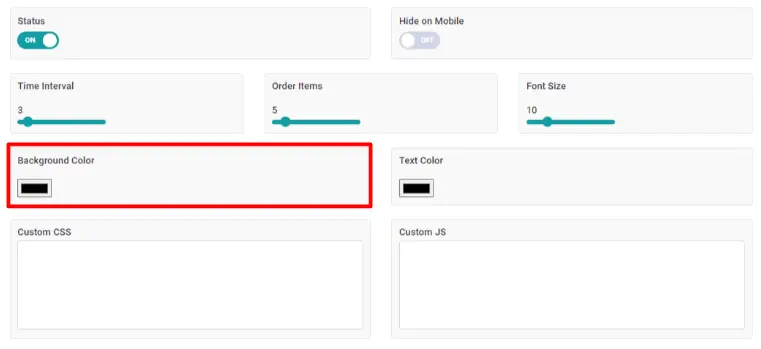
Text Colour: Choose the colour of the displayed text
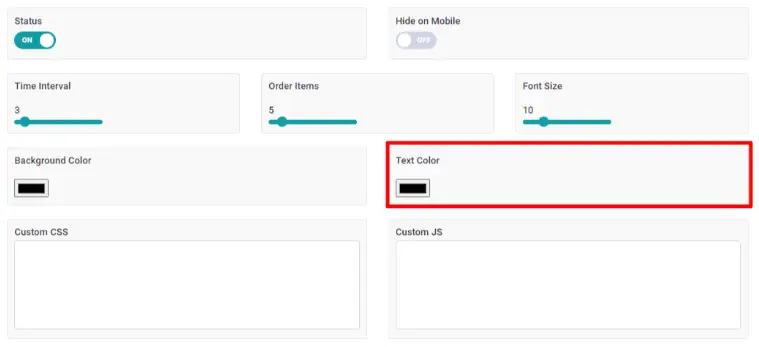
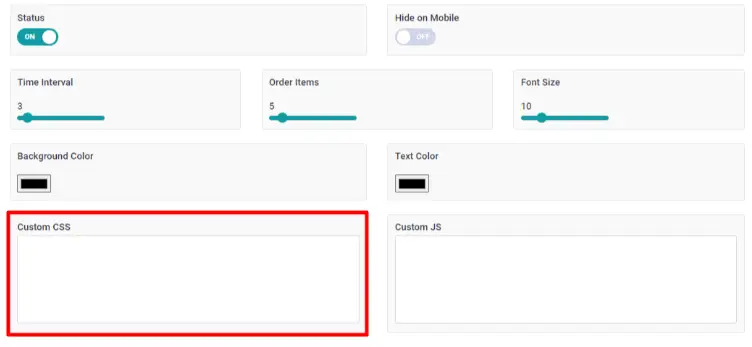
Custom CSS: Add custom CSS for advanced customization
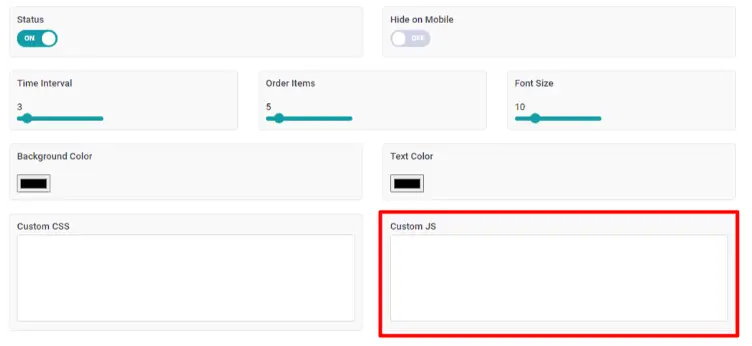
Custom JS: Add custom JavaScript for more intricate modifications
4. Features and Functionality
Main Features:
Customizable Banners: Showcase last ordered items with banners that seamlessly integrate with your store’s design.
App Preview
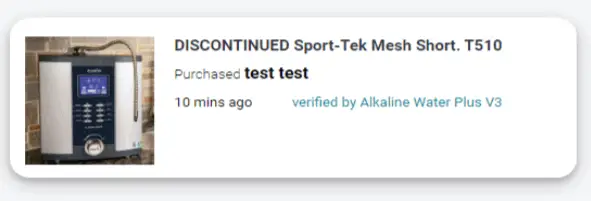
Flexible Design Options: Adjust font sizes, colours, and layout to match your store’s aesthetic.
App Preview
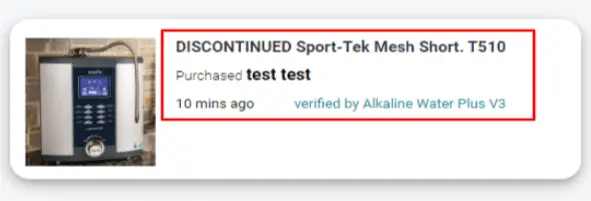
Enhanced User Engagement: Keep customers engaged by displaying relevant products based on recent purchases.
5. User Interface
Dashboard Overview: The "Last Ordered Items" app dashboard is designed to be intuitive and user-friendly, allowing store owners to easily manage their settings and view essential information at a glance.
6. Support
Contact Information: For any Query related to app Setup or issues kindly contact on [email protected] or you can schedule a call on https://calendly.com/qeapps-support/.


 [email protected]
 +91 95747 42204
 9th Floor, Solitaire Connect, Near Gallops Motors, SG Highway, Ahmedabad, Gujarat 380015


