
- Apps


 Easy Bundle ‑ Product Builder
All-In-One bundle builders
 Qe Slider ‑ Carousel Slider
Elevates Revenue with Slick Slider
 Qe Seasonal Effects & Decor
Add Festive Seasonal Decorations
 Qe Quick Link Redirect
Fix Broken Links Effortlessly
 Qe Frequently Bought Together
Boost Sales with Smart Upsells
 QeApps ‑ Mobile App Builder
No-code Mobile App Builder
 Qe Product Compare
Allowing Shoppers to Compare Items
 Discount Bulk Volume Quantity
Create Custom Product Bundles
 Sticky Cart+ Fly Cart
Add Fly-to-Cart Animations.
 QeCart ‑ Slide Out Cart
Add Dynamic Slide-out cart
 Qe Speechify | Voice Search
Seamless Voice Search Functionality
 Qe FAQ Page & Product FAQs
Customizable Product FAQs
 ATC Button Animation
Add to Cart Button Animations

Explore Our Shopify Apps to Grow Your Store
- Check Our Apps


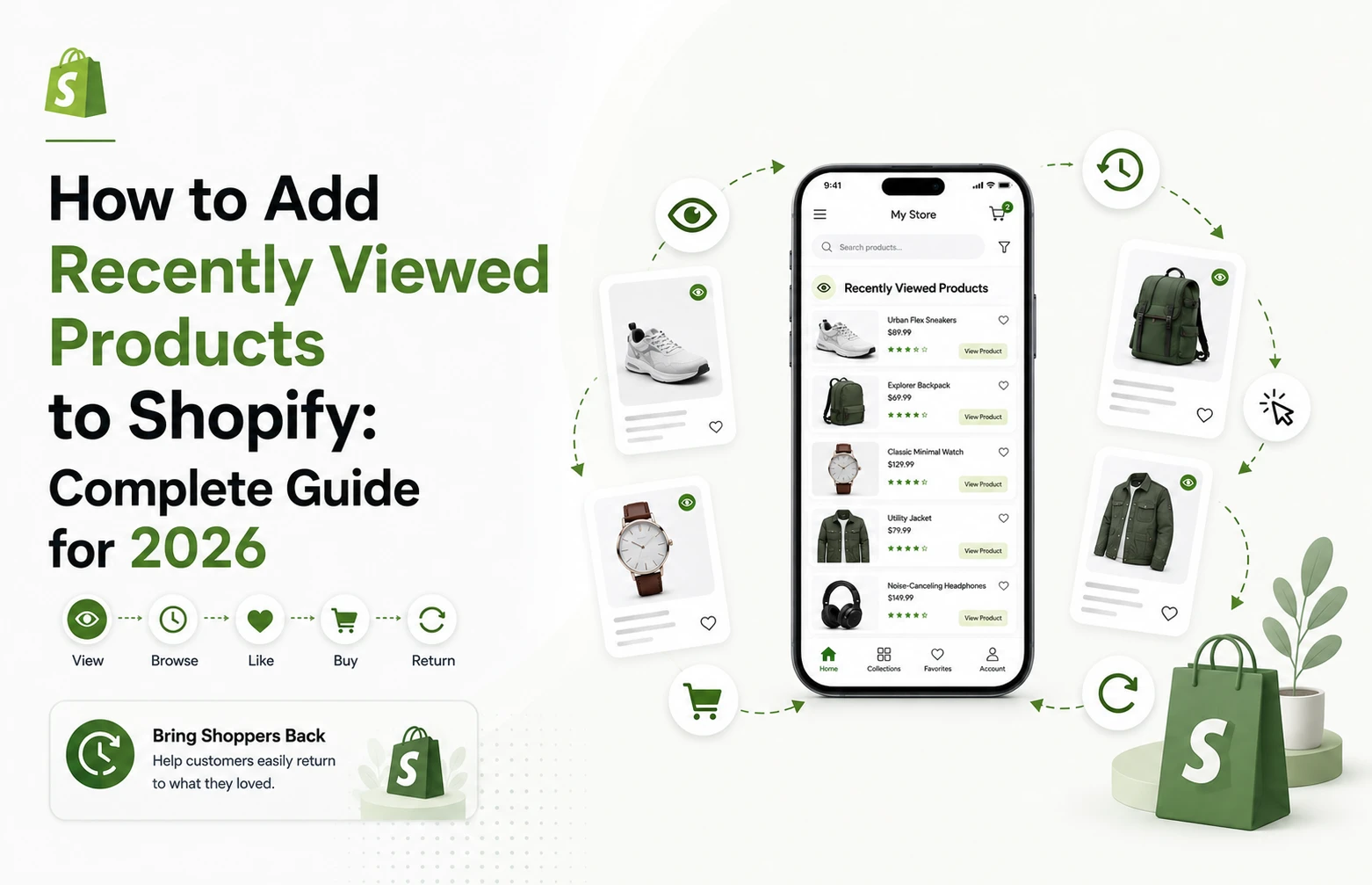
A shopper opens your store, checks three products in a category, compares prices, and closes the tab to think it over. When they come back an hour later, or the next day, they’re starting from zero. They have to remember what those products were called, search for them again, or dig back through collection pages. That small amount of friction is often the difference between a completed order and an abandoned one.
Learning how to add recently viewed products to Shopify solves exactly this problem. It gives returning shoppers a direct path back to the items they already considered, without asking them to retrace their steps.
What Are Recently Viewed Products on Shopify?
Recently viewed products are a store feature that automatically remembers which products a shopper has opened during their session and displays them again as a carousel, drawer, or product list. The feature tracks browsing behaviour in the background, so no extra effort is required from the shopper.
The key difference from other product-discovery tools is the data source. Recently viewed products are based entirely on what a specific shopper has personally looked at, not on what other customers bought or what an algorithm predicts they’ll like. If a shopper viewed a pair of hiking boots and a rain jacket, that’s exactly what shows up when they return, nothing more, nothing less.
This makes the feature easy to understand for shoppers and easy to trust: it reflects their own actions, not a guess.
Quick Insight
A recently viewed section doesn’t try to predict what a shopper wants. It just remembers what they already told you, through their own clicks.
Why Recently Viewed Products Matter for Shopify Stores
Shopping rarely happens in a straight line. A shopper might open a product, switch to a collection page, check a competitor in a new tab, get distracted, and come back to your store an hour or a day later. On mobile, this pattern is even more common, since browsing sessions are shorter and more easily interrupted.
Recently viewed products address a few specific friction points that build up across a typical Shopify store:
- Multi-session journeys. Many purchases don’t happen on the first visit. A recently viewed section shortens the gap between sessions.
- Large catalogs. Stores with hundreds of SKUs make it hard for a shopper to relocate a specific item through navigation or search alone.
- Comparison shopping. Shoppers weighing two or three products benefit from having them all visible in one place again.
- Mobile browsing. Smaller screens and shorter sessions mean shoppers are more likely to lose track of what they viewed.
Shopify’s research on shopper behaviour found that 70% of shoppers feel overwhelmed or uncertain, or find that it takes too long to find an option they like when shopping online, and 21% give up completely when they feel this way. The same research reports that shoppers are more likely to purchase when they receive recommendations relevant to their needs and preferences, at a rate cited around 73%.
For a merchant, this matters because a recently viewed section isn’t a “nice to have” widget. It’s one of the more direct ways to reduce the exact kind of decision friction that causes shoppers to give up before they buy.
Quick Insight
21% of shoppers give up entirely when a decision feels too hard. A recently viewed section removes one specific source of that difficulty: having to relocate something you already found once.
Recently Viewed Products vs. Product Recommendations
These two features often get grouped together, but they answer different questions.
| Recently Viewed Products | Product Recommendations | |
| Data source | The shopper’s own browsing behaviour | Purchase history, product relationships, or recommendation logic |
| What it shows | Products the shopper already looked at | Products the shopper hasn’t necessarily seen |
| Purpose | Rediscovery and continuity | New discovery and cross-sell |
| Best used for | Returning visitors, comparison shopping | First-time visitors, upsells, “you might also like” |
Neither feature replaces the other. Recommendations help shoppers find something new. Recently viewed products help shoppers get back to something they already decided was worth a second look. Running both side by side, in different placements, tends to cover more of the customer journey than either one alone. If you’re also exploring cross-sell tools, Qe Frequently Bought Together handles the recommendations side of that pairing.
How to Add Recently Viewed Products to Shopify
There are two practical routes for adding this feature to a Shopify store.
Option 1: Custom Development
A developer can build recently viewed functionality using theme code, local storage or cookies to track viewed products, and custom sections to display them. This gives full control over design and behaviour, but it also means ongoing responsibility for testing across themes, browsers, and devices, plus maintenance whenever the theme is updated. It’s a workable option for stores with in-house development resources, but not a quick fix.
Option 2: A Shopify App
For most merchants, a dedicated app is the simpler route, particularly if there’s no developer on hand. This is where Qe Recently Viewed by QeApps fits in.
It’s built specifically to solve the implementation problem described above: no-code setup, so there’s no theme code to write or maintain. A dynamic recently viewed carousel and product drawer give shoppers quick access to items they’ve already viewed, including variant selection and quick add-to-cart, so they don’t have to reopen a product page just to check size or colour. Promotional badges keep active discounts visible directly in the carousel. The app is mobile-responsive by default, which matters given how much Shopify browsing happens on phones, and it carries Built for Shopify recognition, Shopify’s quality benchmark for apps built on current platform standards.
Each of these pieces solves a specific gap rather than existing as a feature-list checkbox: the carousel solves rediscovery, the drawer solves navigation, variant selection solves friction at the point of decision, and mobile responsiveness solves the reality of where most traffic actually comes from.

Where Should You Display Recently Viewed Products?
Placement affects how useful the section actually is.
Product pages are the most common spot, since a shopper comparing two or three items benefits from seeing them all in one place while they’re actively deciding.
Homepage placement helps returning visitors who land back on the store without a specific product in mind. Instead of starting their search over, they see exactly where they left off.
Collection pages keep previously viewed products visible while a shopper continues browsing a category, without pulling them away from the current page.
Qe Recently Viewed supports all three placement options, so a merchant can test what works best for their store rather than committing to a single layout.
How to Set Up Qe Recently Viewed
Setup is done through the Shopify theme editor:
1. Open Shopify Admin.
2. Go to Online Store → Themes.
3. Click Customize on the active theme.
4. Open App Embeds.
5. Enable Qe Recently Viewed.
6. Save the changes.
From there, the app section can also be added directly through the Theme Editor on supported templates, letting merchants choose exactly where the carousel or drawer appears without touching a line of code.
What to Look for in a Shopify Recently Viewed Products App
Whether or not a merchant ends up using QeApps, it’s worth evaluating any recently viewed app against the same checklist:
- No code installation
- Mobile responsiveness
- Compatibility with the current theme
- Fast loading, with minimal impact on page speed
- Customization options to match store branding
- Control over how many products display
- Quick add-to-cart and variant handling
- Visibility of active discounts or badges
- Flexible placement across product, collection, and homepage
- Responsive support
- Recognized Shopify ecosystem quality standards, such as Built for Shopify
An app that checks most of these boxes will generally integrate cleanly without creating extra work down the line.
Quick Insight
The apps that cause the least maintenance work later are usually the ones that pass this checklist before installation, not the ones fixed after launch.
How to Use Recently Viewed Products Without Creating Clutter
Adding the feature is only half the job. Used carelessly, it becomes another carousel competing for attention. A few practical guidelines help:
- Don’t place the section on every page. Pick the two or three placements that make the most sense for your catalog.
- Keep product cards visually consistent with the rest of your theme.
- Avoid stacking multiple carousels on the same page.
- Confirm the section is easy to scroll and tap on mobile.
- Use a clear, plain section title like “Recently Viewed” instead of something vague.
- Pair it with recommendations or best sellers strategically, not everywhere at once.
- Watch store behaviour after launch and adjust placement if a section isn’t getting engagement.
Treat it as one tool among several for product discovery, not the centerpiece of every page.
Quick Insight
More carousels don’t mean more discovery. A single, well-placed recently viewed section usually outperforms three competing ones.
Why Qe Recently Viewed Is Worth Trying
For merchants who want this feature live without a development project, Qe Recently Viewed is built to get there quickly. It includes a 7-day free trial, with a Premium plan at $4.99/month or $49.99/year on the annual option.
The setup is no-code, the carousel and drawer are customizable to match your theme, and it’s mobile-responsive out of the box, so shoppers get a consistent experience regardless of device. Promotional badges keep discounts visible where shoppers are already looking, and the app carries Built for Shopify recognition. For a merchant weighing custom development against an app, this combination generally means less setup time and less ongoing maintenance.
You can browse QeApps’ other Shopify apps for the broader toolkit or review the full feature set below

Frequently Asked Questions
Q.1 How do I add recently viewed products to Shopify?
You can build the feature with custom theme development, or install an app like Qe Recently Viewed and enable it through Online Store → Themes → Customize → App Embeds. The app route requires no coding and can be live within minutes.
Q.2 Does Shopify have a built-in recently viewed products feature?
No. Shopify doesn’t include a native recently viewed products feature in its core platform or default themes. Merchants need custom development or a dedicated app, such as Qe Recently Viewed, to add this functionality to their store.
Q.3 What is the best recently viewed products app for Shopify?
The best app depends on your store’s needs, but look for no-code setup, mobile responsiveness, theme compatibility, and flexible placement. Qe Recently Viewed covers these with a customizable carousel, product drawer, and Built for Shopify recognition.
Q.4 Can I add recently viewed products without coding?
Yes. Apps like Qe Recently Viewed are designed for no-code installation through the Shopify theme editor’s App Embeds section, so no developer or custom code is required to get the feature running.
Q.5 Can I customize recently viewed products to match my Shopify theme?
Yes. Qe Recently Viewed offers customization options for the carousel and drawer layout, so the section can match your store’s existing design rather than looking like an inserted third-party widget.
Related Blogs






 [email protected]
 +91 95747 42204
 9th Floor, Solitaire Connect, Near Gallops Motors, SG Highway, Ahmedabad, Gujarat 380015


