
- Apps
 BYOB ‑ Bundle Gift Box Builder
Build your Own Box
 Easy Bundle ‑ Product Builder
All-In-One bundle builders
 Checkout Blocks & Customizer
Checkout Customization
 Qe Slider ‑ Carousel Slider
Elevates Revenue with Slick Slider
 Qe Recently Viewed
Showcase Recently Browsed Items
 Qe Seasonal Effects & Decor
Add Festive Seasonal Decorations
 Qe PWA for iOS & Android
Build Your Own App
 Qe Quick Link Redirect
Fix Broken Links Effortlessly
 Qe Frequently Bought Together
Boost Sales with Smart Upsells
 Qe Quick View + Announcement
Enable one click Product Previews
 QeApps ‑ Mobile App Builder
No-code Mobile App Builder
 Qe Product Compare
Allowing Shoppers to Compare Items
 Qe Multiship
Ship Items to Multiple Addresses
 Discount Bulk Volume Quantity
Create Custom Product Bundles
 Sticky Cart+ Fly Cart
Add Fly-to-Cart Animations.
 QeCart ‑ Slide Out Cart
Add Dynamic Slide-out cart
 Qe Speechify | Voice Search
Seamless Voice Search Functionality
 Qe FAQ Page & Product FAQs
Customizable Product FAQs
 ATC Button Animation
Add to Cart Button Animations

Explore Our Shopify Apps to Grow Your Store
- Check Our Apps
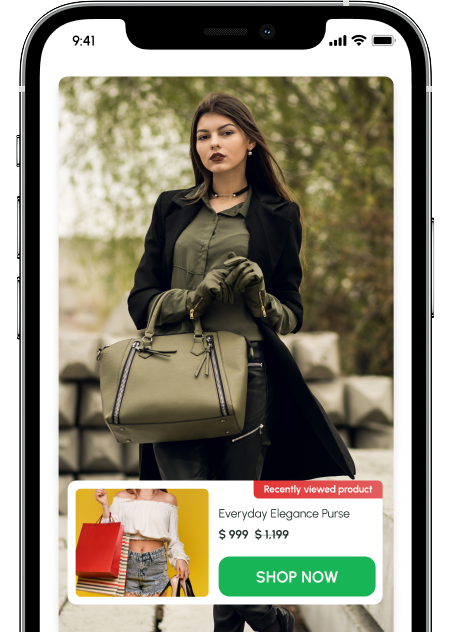
Keep Customers Engaged with Recently Viewed Products
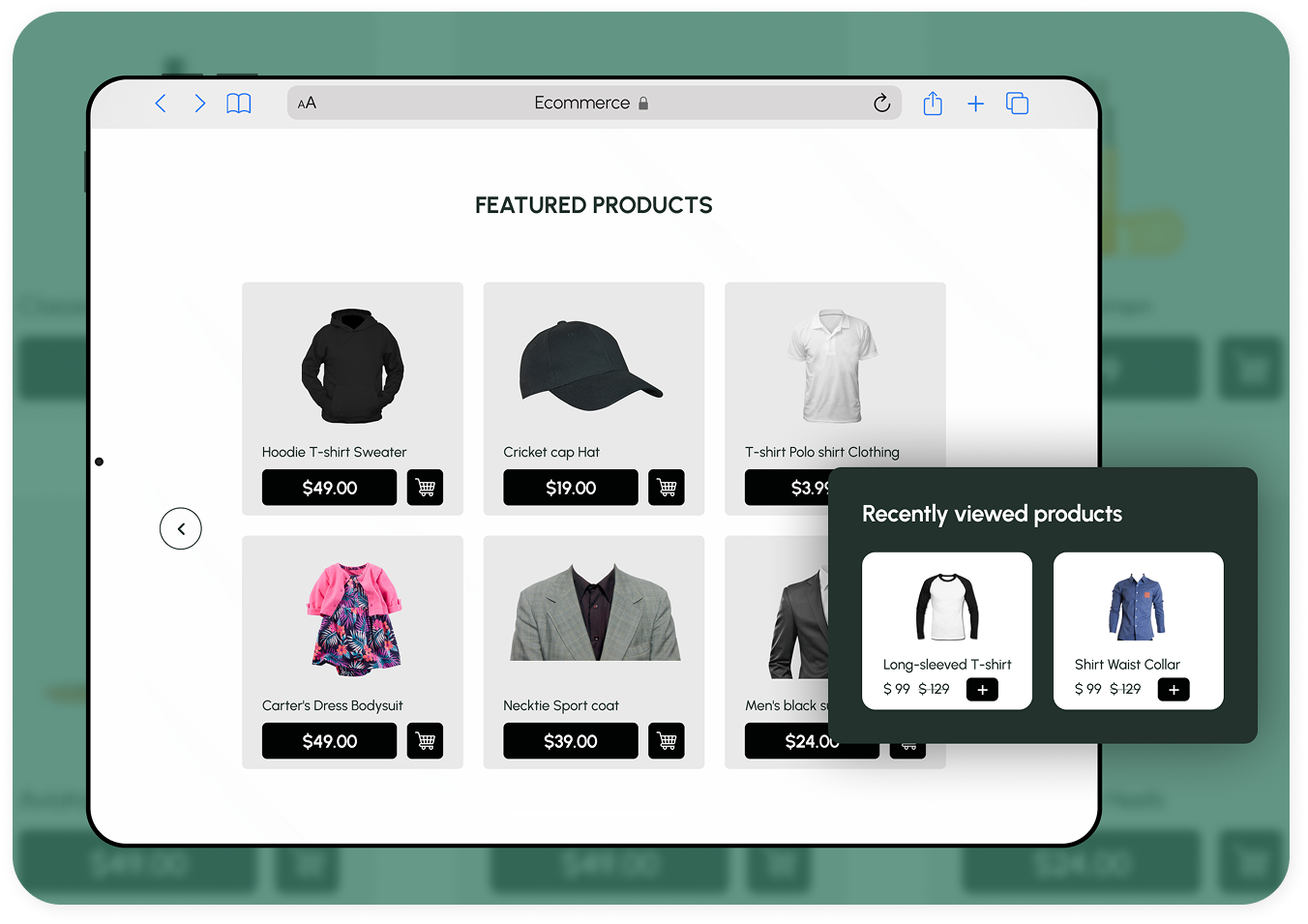
Qe Recently Viewed helps your Shopify store display products customers have already explored, keeping them engaged and more likely to buy.
 Displays recently viewed items across your entire store.
- Encourages visitors to revisit and complete purchases.
- Works seamlessly on home, product, collection, and cart pages.








Why Choose Qe Recently Viewed

Helps customers rediscover products they’ve shown interest in

Encourages repeat purchases and higher order value

Works seamlessly across devices with a mobile-friendly layout

Installs easily, no coding required
Key Features
Enhance your Shopify storefront with a flexible, customizable Recently Viewed Products section designed to match your brand and boost engagement with our recently viewed items

Dynamic Carousel Display
Showcase recently browsed items in a sleek, responsive recently viewed products slider that captures attention and encourages product discovery.

Quick Product Access
Let customers explore product details and variants through a smooth sliding drawer with instant add-to-cart functionality.

Promotional Highlights
Display discounts and offers using dynamic promotional badges directly within the drawer, perfect for driving conversions.

Unlimited Display Options
Showcase an unlimited number of recently viewed items, and optionally include a “Best Seller” section for extra visibility and sales.
How It Works
Setting up the Qe Recently Viewed app takes just a few clicks.
Once activated, it automatically tracks and displays recently viewed products on your Shopify store.
STEP 1
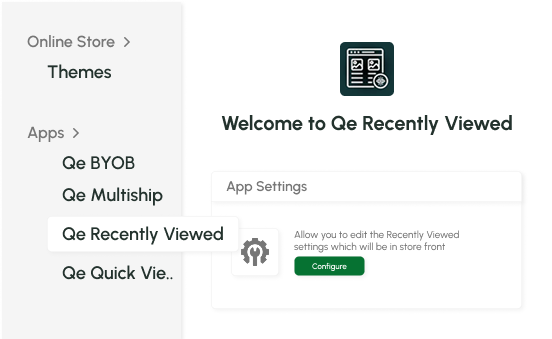
Access Your Theme Settings
 In your Shopify
admin, go to Online Store → Themes
In your Shopify
admin, go to Online Store → Themes- Click Customize
on
your live theme
- Open the App
Embeds
section
STEP 2
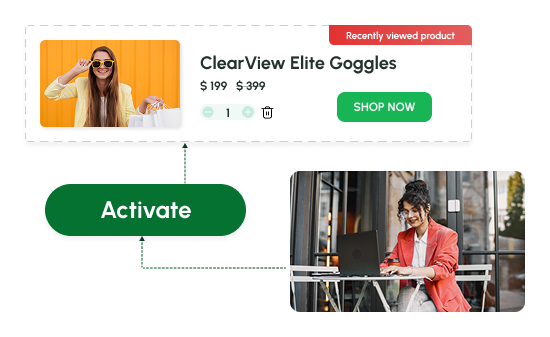
Activate Qe Recently Viewed
- Turn on Qe
Recently Viewed from the list
- Click Save to
apply your changes instantly
- The feature is
now active on your store
STEP 3
Automatic Display on Your Storefront
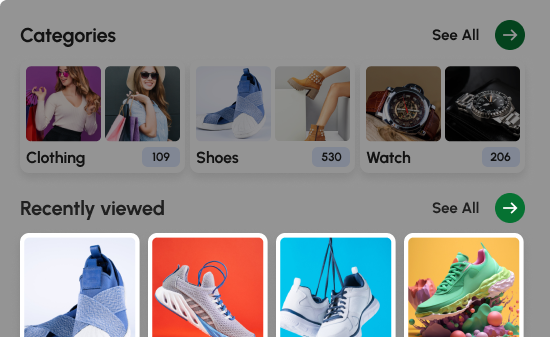
- The app starts collecting & showing recently viewed products automatically
- Display adjusts beautifully across all devices
- No manual setup or coding needed, it just works
Customization Settings
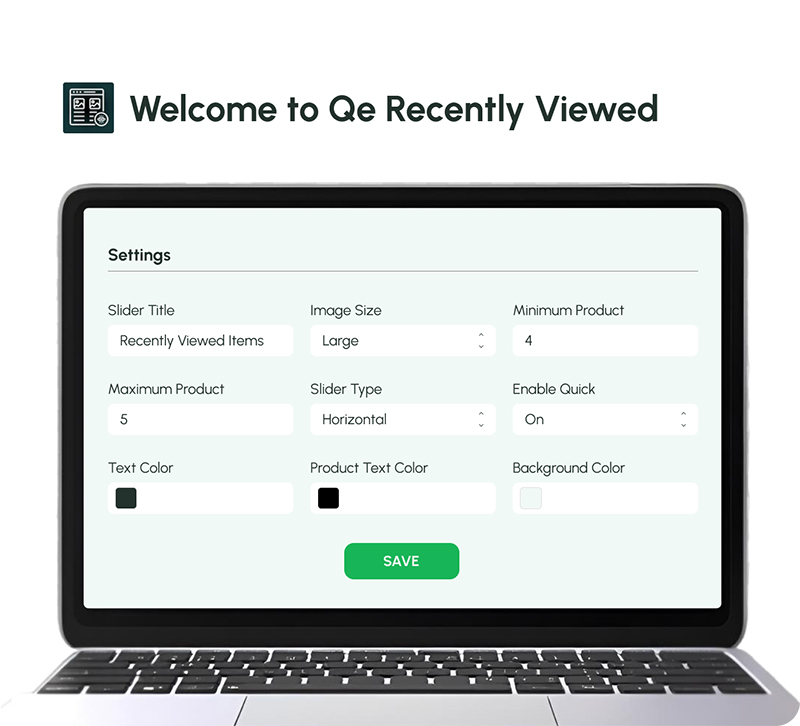
Tailor your Recently Viewed Products section to match your store’s look and feel.
 Quick Add Button
- Background & Text Colours
- Product Display Range
- Discount Badge
- Slider Title
- Image Size
- Slider Type
- Background & Text Colours
- Remove Option
Add Recently Viewed Products Across Your Store
You can display Recently Viewed Products on three key pages of your Shopify store using the Qe Recently Viewed app.
Add Recently Viewed Products to Your Homepage
Show your shoppers’ browsing history right on the homepage using the Qe Recently Viewed app section.

Shopify Theme Setup
Go to Shopify Admin → Online Store → Themes, then click Customize on your active theme.
Add the App Section
Select Add Section → Apps → Qe Recently Viewed to insert the recently viewed products block on your homepage.
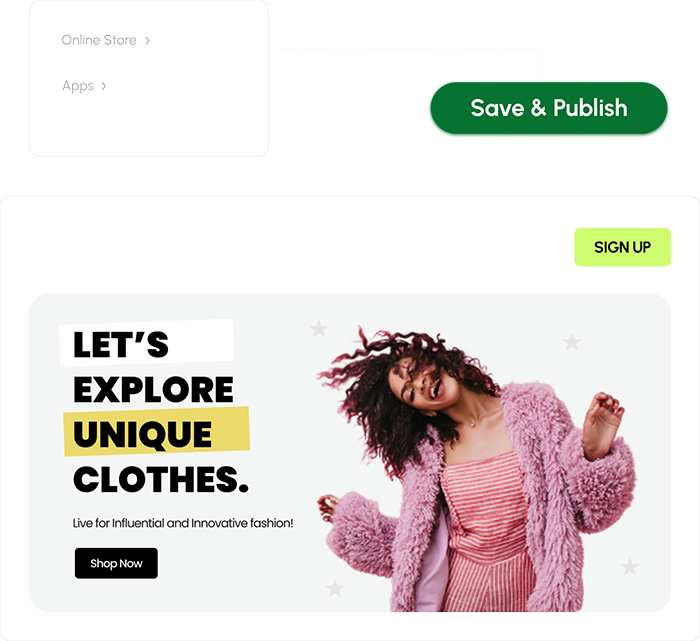
Arrange and Publish
Drag and position the block wherever you prefer, then click Save to publish it instantly.
Quick Tip
Before previewing, visit 2–3 products in your store to generate recently viewed data.
Add Recently Viewed Products to Your Collection Page
Display recently browsed items directly on your collection pages to keep shoppers engaged.
Shopify Theme Setup
Go to Shopify Admin → Online Store → Themes, then click Customize on your active theme.
Add the App Section
Select Add Section → Apps → Qe Recently Viewed to add the recently viewed products section to your collection page.
Arrange and Publish
Drag and drop the block where you want it to appear, then click Save to apply your changes.
Quick Tip
Browse 2–3 items before previewing for accurate recently viewed results.
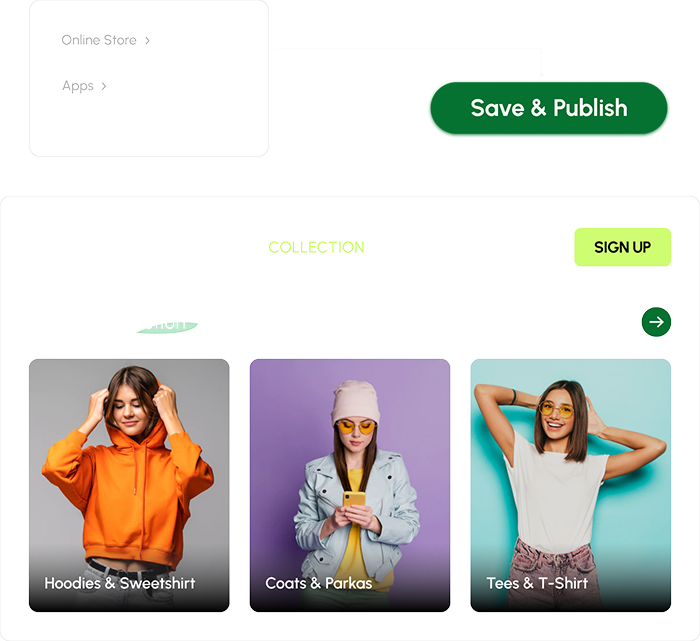
Recently Viewed Products on Product Pages (Auto Display)
Once you install and activate the Qe Recently Viewed app, the recently viewed products section will automatically start showing on your product pages. After a shopper views any item, the app begins displaying their recently viewed products instantly.
Recently viewed

DailyWear Classic Hat
$17,00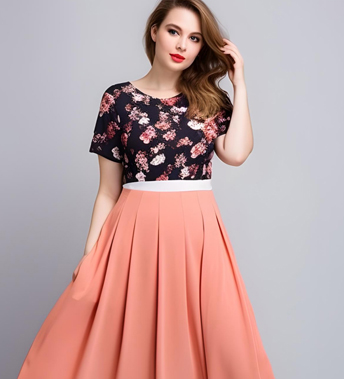
Princess Sparkle Dress
$139,00
Floral Wedding Party Dress
$99,00Simple Pricing, Big Impact
One simple plan built to give you full control.
Powerful features, easy setup, no complications, no hidden fees.
Premium Plan
$4.99/Month
or $49.99/year and save 17%
- Fully Customizable Slider
- Quick Drawer with Sale Badges
- Mobile Responsive
- 24/7 Email Support
Mobile-Friendly Design for Better Engagement
Deliver a seamless experience for every shopper, on any device.
- Fully Responsive Layout
- Smooth Loading Slider
- Optimized for Mobile Experience
Frequently Asked Questions
Does the Recently Viewed Items App slow down my Shopify store?
Can I choose how many recently viewed products appear?
Will the app match my Shopify theme automatically?
Does it work on mobile devices and tablets?
Can I show both recently viewed and best-selling products together?
Let’s Get in Touch Us
We love hearing from you, please drop us a note anytime. Got any questions or suggestions, or just want to know what we can do to improve your eStore?

 [email protected]
 +12097306661
 9th Floor, Solitaire Connect, Near Gallops Motors, SG Highway, Ahmedabad, Gujarat 380015


