Live Countdown
Show days, hours, minutes and seconds ticking down to the end of your offer.


Explore Our Shopify Apps to Grow Your Store


All-In-One bundle builders

Elevates Revenue with Slick Slider

Add Festive Seasonal Decorations

Fix Broken Links Effortlessly

Boost Sales with Smart Upsells

No-code Mobile App Builder

Allowing Shoppers to Compare Items

Create Custom Product Bundles

Add Fly-to-Cart Animations.

Add Dynamic Slide-out cart

Seamless Voice Search Functionality

Customizable Product FAQs

Add to Cart Button Animations

Create Urgency With Timers

Add Free Gifts Automatically

Export Custom Store Reports

Generate SEO-Ready Blog Posts

Create SEO-Friendly Content

Find and Fix Conversion Leaks

Increase Sales With Upsells
Show shoppers exactly when your offer ends. Add timers with a Shop Now button to your product, collection, cart and custom pages. No theme code needed.
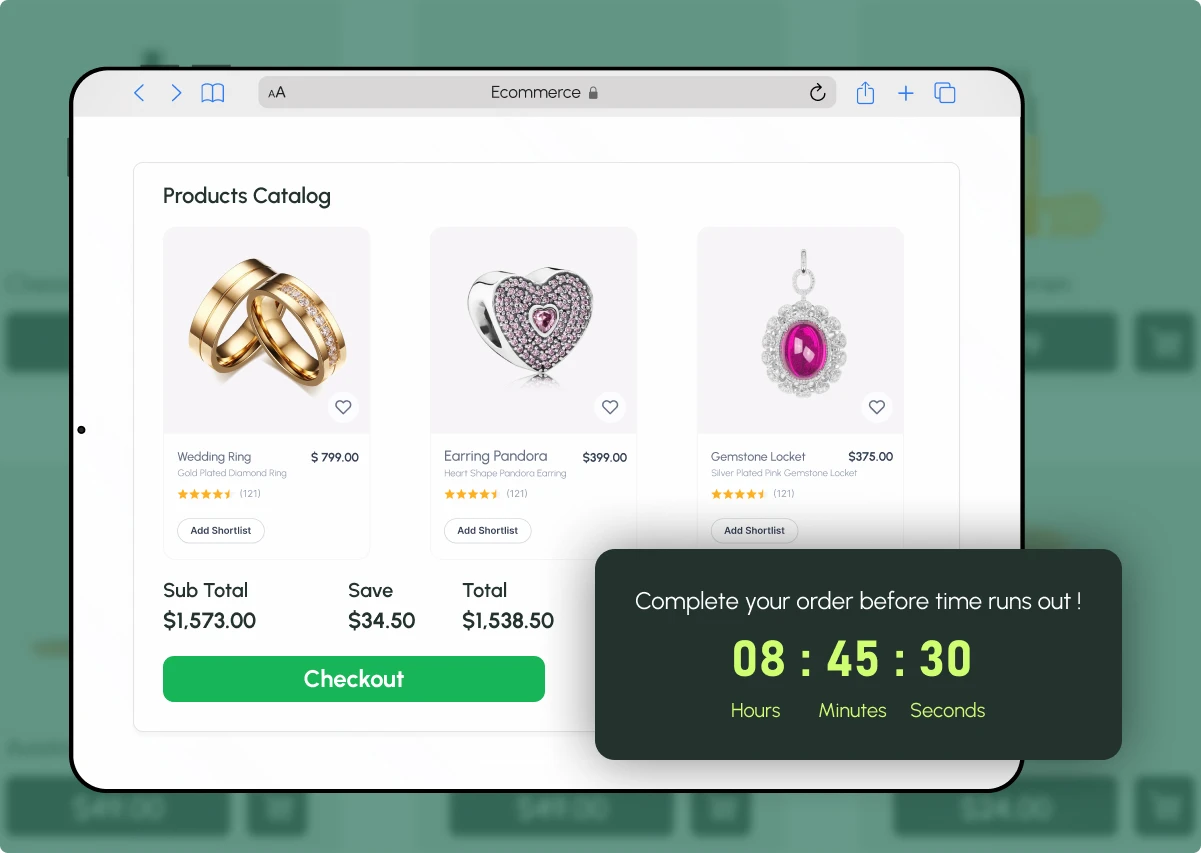
Give shoppers a deadline that feels clear, timely, and easy to act on.
Show days, hours, minutes and seconds ticking down to the end of your offer.
Send shoppers straight from the timer to your offer.
Pick a preset style or design your own. Change colours, fonts, text, backgrounds and borders.
Use a fixed end date, date range or schedule. Event-based, session-based and timed-session timers are also available.
See changes as you make them. Publish when ready, or save as a draft.
Add timers without editing theme code or templates.
A visible deadline gives shoppers a reason to decide now, not later.
Offers without a visible end date are easy to put off
Shoppers often browse, then leave to decide later
Flash sales lose impact when the deadline is hard to see
Changing theme code for every promotion takes time
Qe Countdown Timer shows your deadline right where shoppers are looking

Put your deadline on the pages where shoppers decide, or in any custom section.
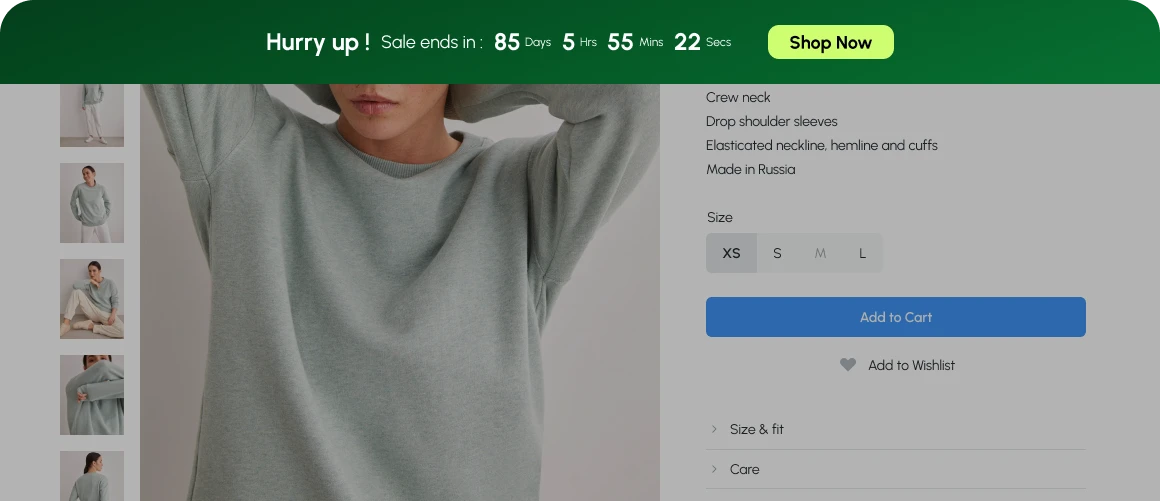
Show the deadline next to the item shoppers are viewing.
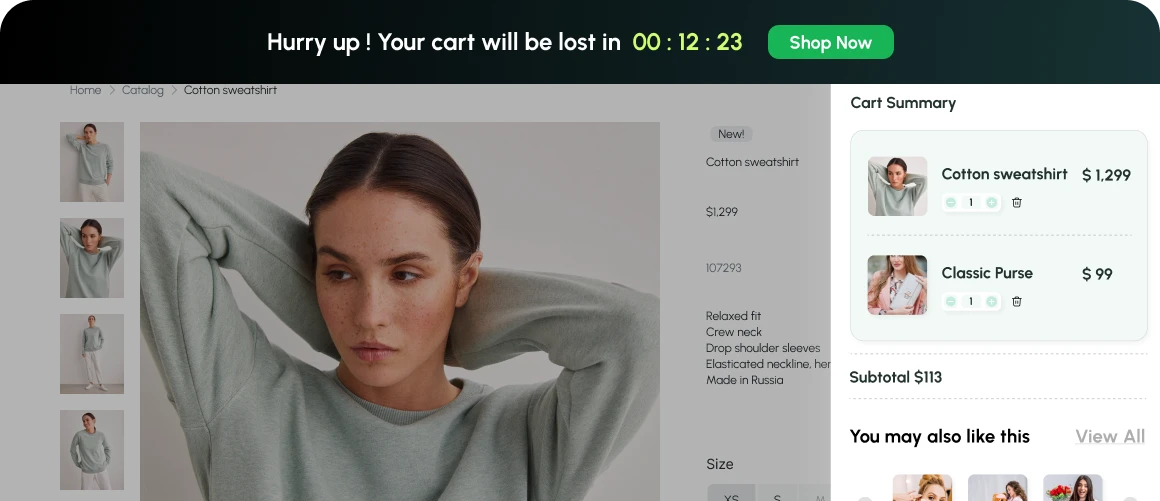
Remind shoppers of the deadline before they check out.
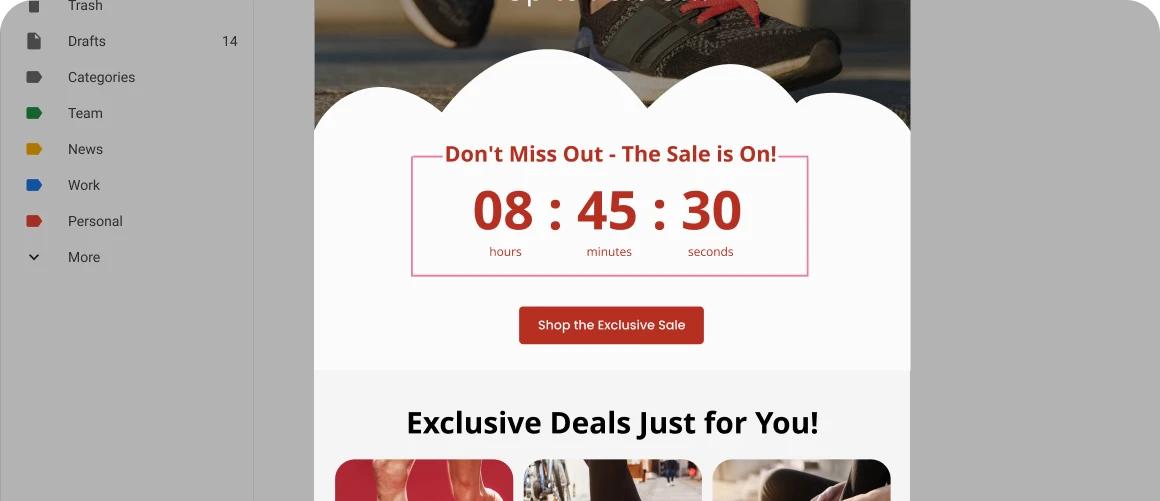
Add a countdown to your emails so subscribers see exactly how long an offer lasts.

Use an announcement bar or sticky banner at the top or bottom of the page.

Place timers wherever your campaign needs them.
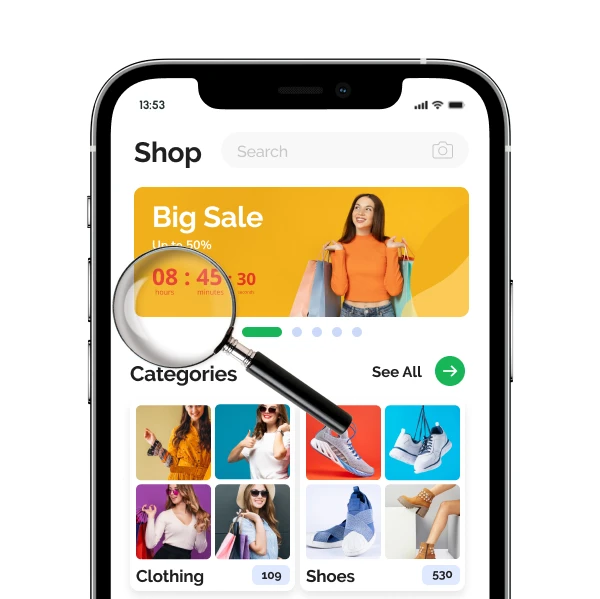
Clean countdown timers that look right on desktop and mobile.
 Responsive designChoose the layout that suitsMultiple display layoutsTimers fit naturallyClean theme integrationTimers adjust screens
Setting up takes only a few steps.
 Add it to your store from the Shopify App Store.
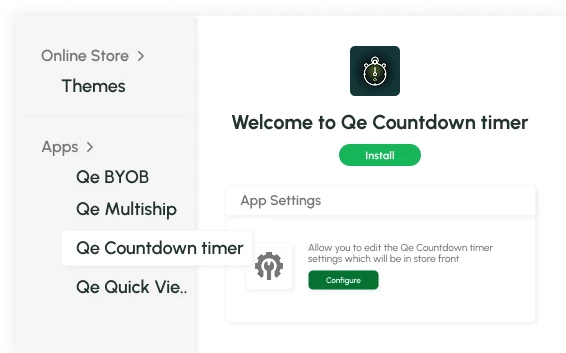 Turn on Qe
Set the content, design and placement. Choose a preset style or create your own.
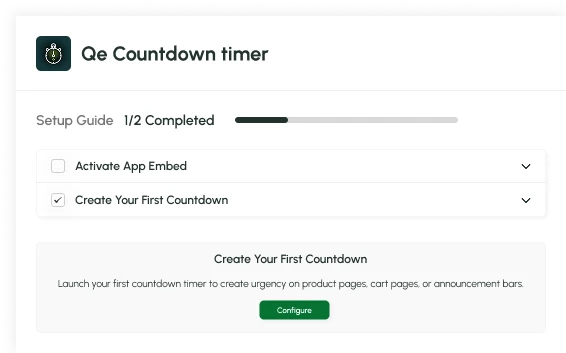 Check the live preview, then publish. Or schedule a future start and end date.
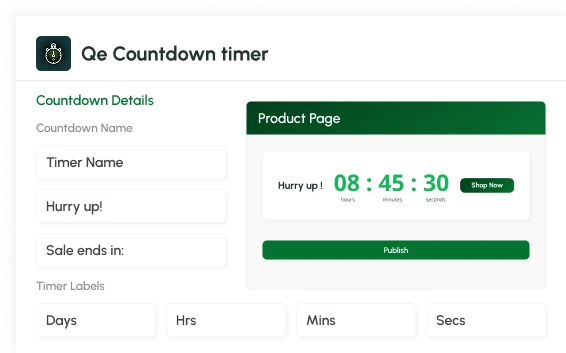
Create urgency, simplify purchase decisions, and make every limited-time promotion more effective—while giving your team an easy way to manage offers without developer support.
Shoppers see what is on sale and exactly when it ends.
A visible deadline encourages shoppers to buy while the offer is live.
Flash sales, limited-time offers and special events feel more urgent.
Set up and change timers without waiting for a developer.
Qe Countdown Timer is a free Shopify countdown timer app. Give your customers a clear deadline to act on, without changing your theme or adding complicated code.


Add Qe Countdown Timer to your Shopify store and show shoppers when your offer ends. Make every promotion clear, timely and easy to act on.



How do I add a free gift with purchase in Shopify?
Is there a free Shopify app for gift with purchase?
Can customers choose their own free gift?
What can trigger a free gift with the Shopify Auto Gift Add-on?
What happens if a customer removes items after the gift is added?
We love hearing from you, please drop us a note anytime. Got any questions or suggestions, or just want to know what we can do to improve your eStore?
 [email protected]
 +91 95747 42204
 9th Floor, Solitaire Connect, Near Gallops Motors, SG Highway, Ahmedabad, Gujarat 380015