Buying
guides
Help shoppers choose between products in one range.


Explore Our Shopify Apps to Grow Your Store


All-In-One bundle builders

Elevates Revenue with Slick Slider

Add Festive Seasonal Decorations

Fix Broken Links Effortlessly

Boost Sales with Smart Upsells

No-code Mobile App Builder

Allowing Shoppers to Compare Items

Create Custom Product Bundles

Add Fly-to-Cart Animations.

Add Dynamic Slide-out cart

Seamless Voice Search Functionality

Customizable Product FAQs

Add to Cart Button Animations

Create Urgency With Timers

Add Free Gifts Automatically

Export Custom Store Reports
Generate SEO-Ready Blog Posts
Create SEO-Friendly Content

Find and Fix Conversion Leaks

Increase Sales With Upsells
Qe AI SEO: AI Blog Post is a Shopify AI blog generator that turns a topic or keyword into a title, an outline and a complete article. Edit it, save it as a draft and publish it to your store from one screen.

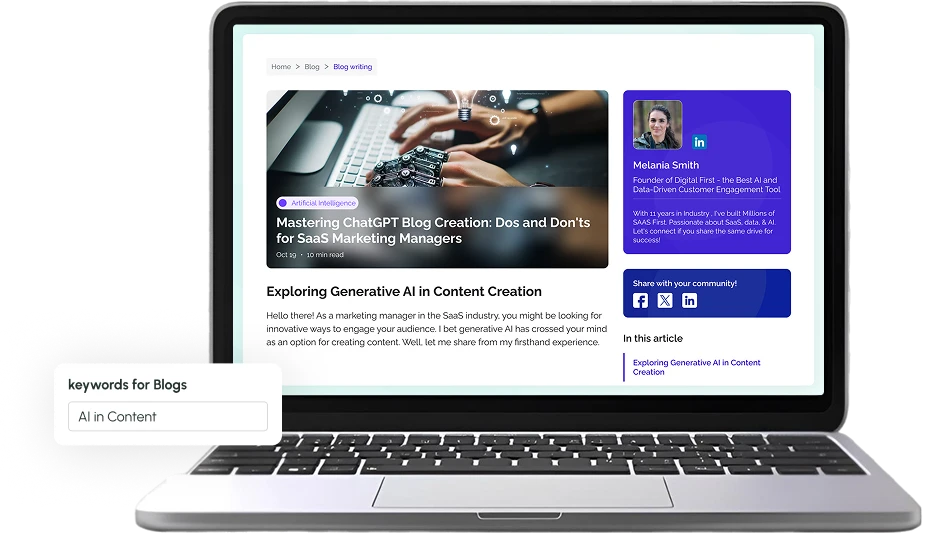
Regular blog posts help your store stay visible, rank for more keywords, attract shoppers, and keep your content fresh with less effort.
Most Shopify blogs go quiet for one reason: writing takes time. Each new post gives search engines another page to rank and shoppers another reason to visit.
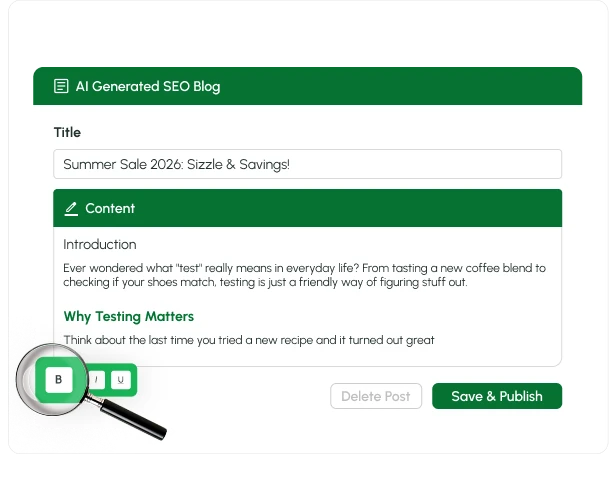
Generate titles, outlines and full articles, then edit and publish without leaving your Shopify admin.
Install the app, add your FAQs, and publish. Your help content is live in minutes with no coding required.

Install the app, add your FAQs, and publish. Your help content is live in minutes with no coding required.

Everything you need to plan, write, edit and publish blog content from one place.
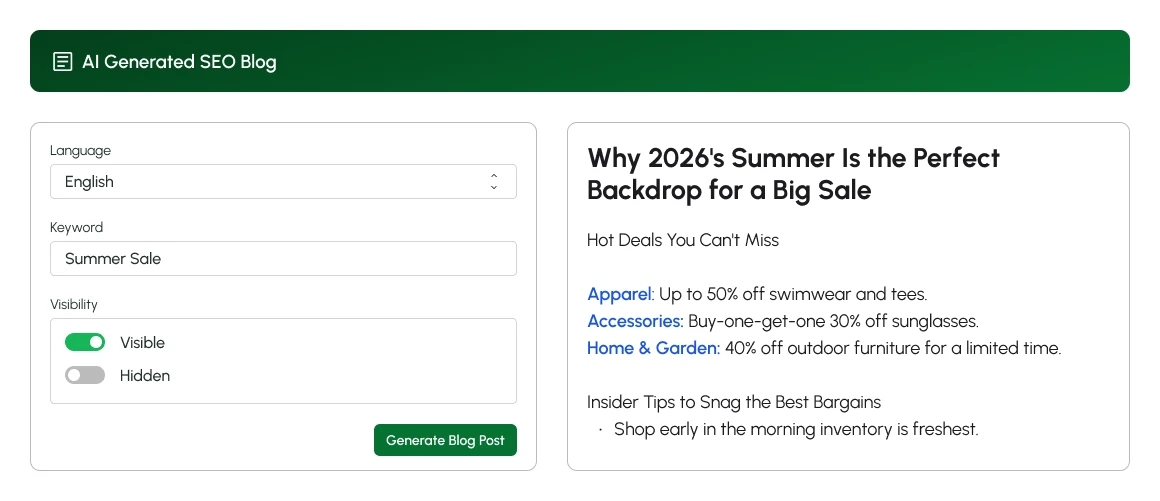
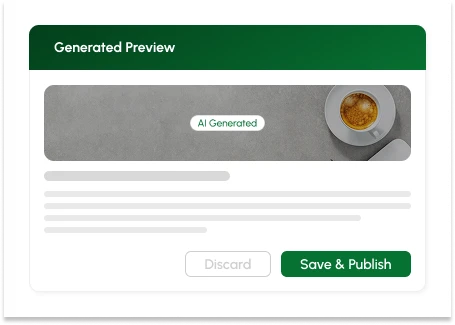
Discard it, or choose Save & Publish when you are happy.
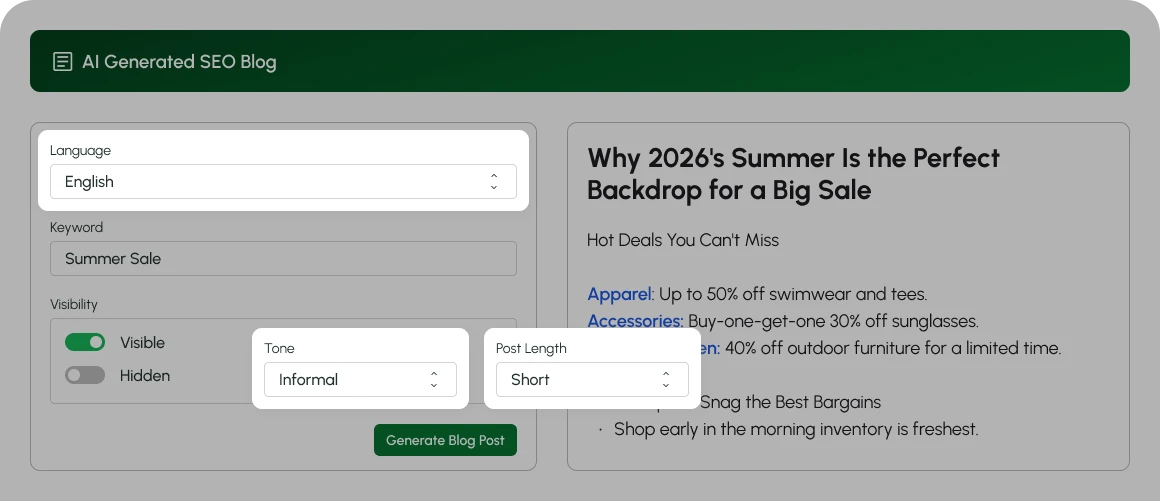
Your blog should sound like your brand, not like a template.
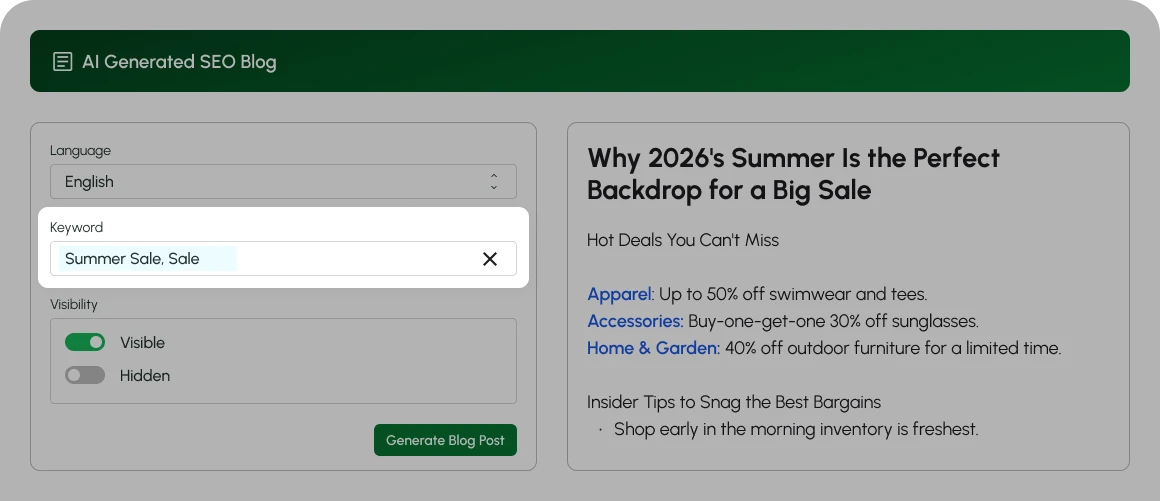
Keyword optimisation and meta tags are supported.
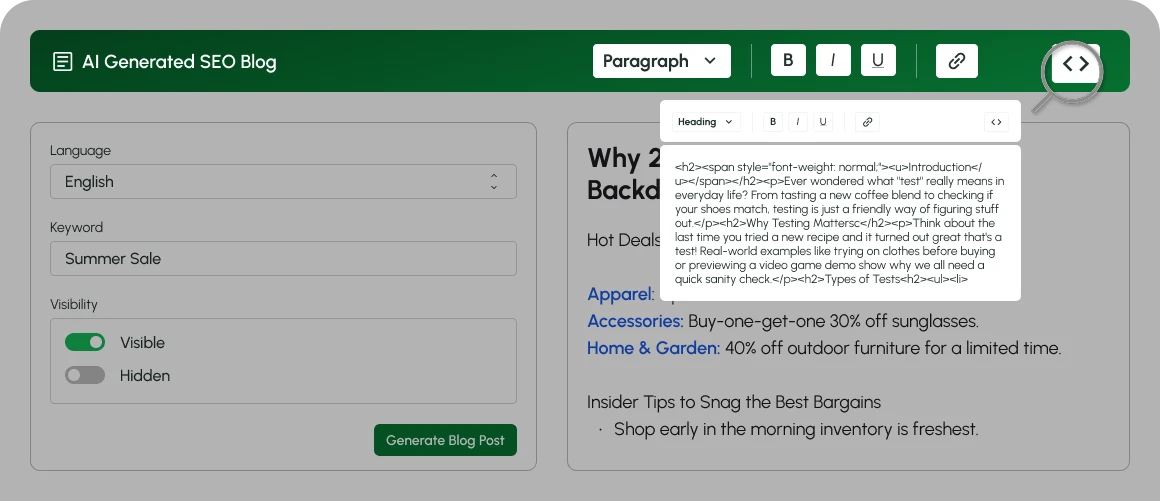
The AI writes the first draft. You make it yours.
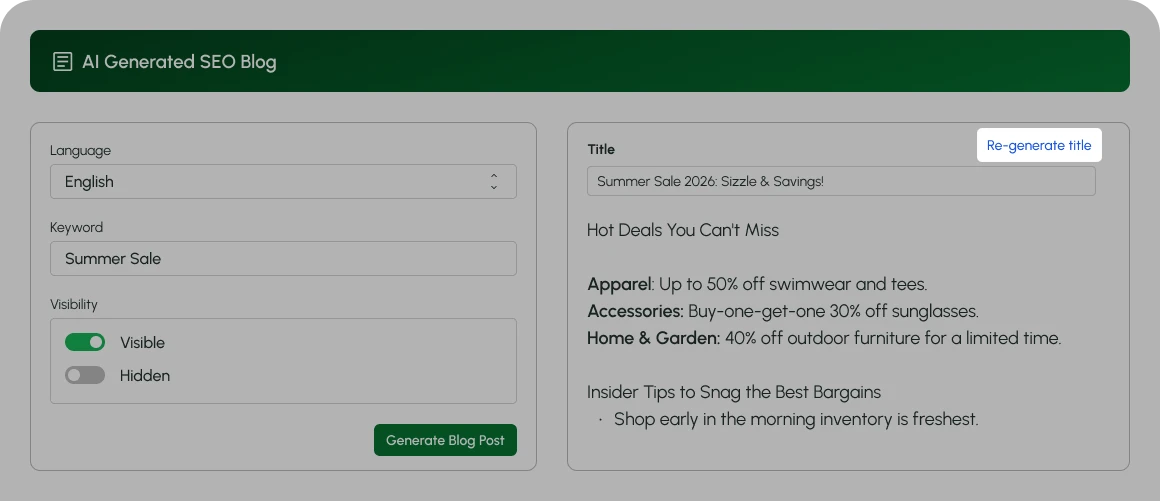
Try a different angle in seconds, then publish the one you like.
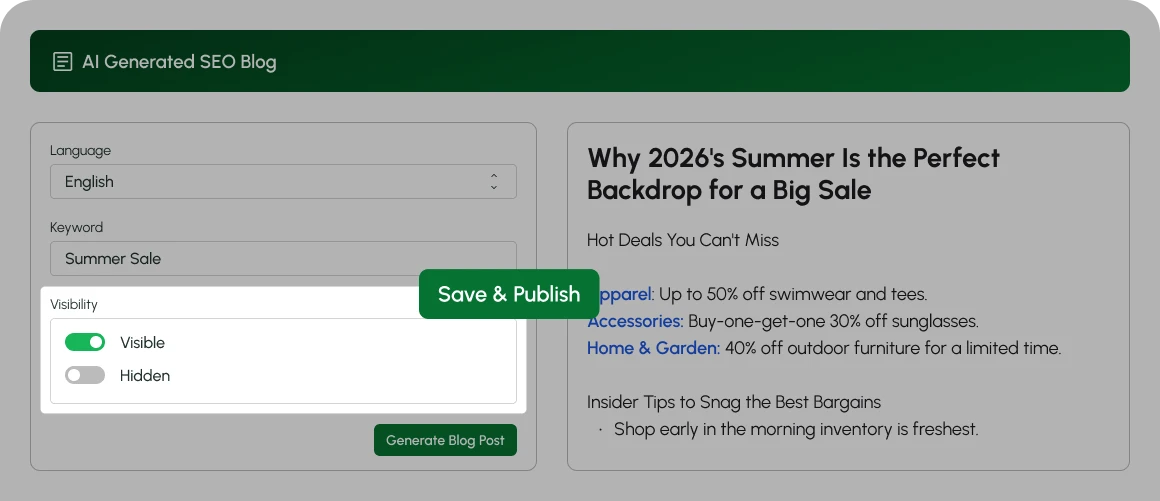
Generate multiple posts at once to keep your content calendar full.
Help shoppers choose between products in one range.
Draw attention to a category with a themed post.
Draft festive and sale-season posts ahead of time.
Target the keywords your customers actually search.
|
Single post
|
Multiple posts
|
|||
|---|---|---|---|---|
|
What happens
|
One article generated from one topic |
Several articles generated at once | ||
|
Best for
|
A launch, a sale or one target keyword |
Filling a content calendar | ||
|
Your next step
|
Edit, then publish |
Review drafts one by one | ||
Whoever reads the numbers in your business can get to them faster.
Six ways it helps you keep your blog moving, without extra tools or copying and pasting into Shopify.
Turn a topic into a title, an outline and a full draft in one go, so you start from a draft instead of a blank page.
Add your target keywords or choose recommended ones to help each article rank for the right terms.
Choose the language, tone and length that suit your store, from Professional to Informal and from Short to Long.
Change the title, outline and body in the built-in editor, so nothing goes live until you are happy with it.
Save a post as a draft, return when you are ready, then publish it as Visible or Hidden.
Add Qe AI SEO: AI Blog Post from the Shopify App Store and open it from your admin.
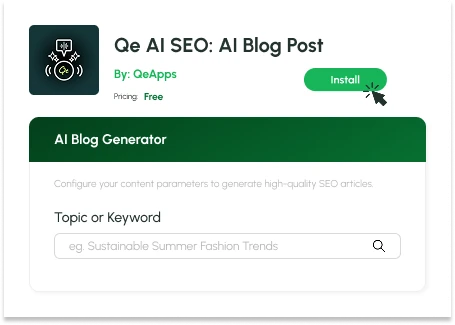
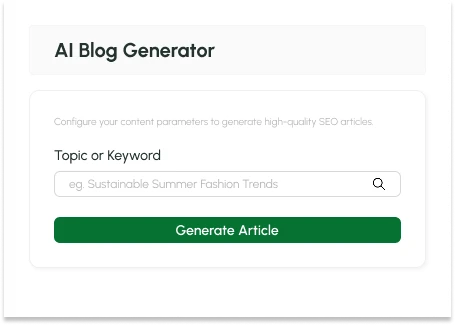
Type a topic or keyword, then choose language, tone, post length and keywords.
Generate the post, edit it, then save a draft or publish to your store.
Whatever you sell, a regular blog gives shoppers more to read and search engines more to find.
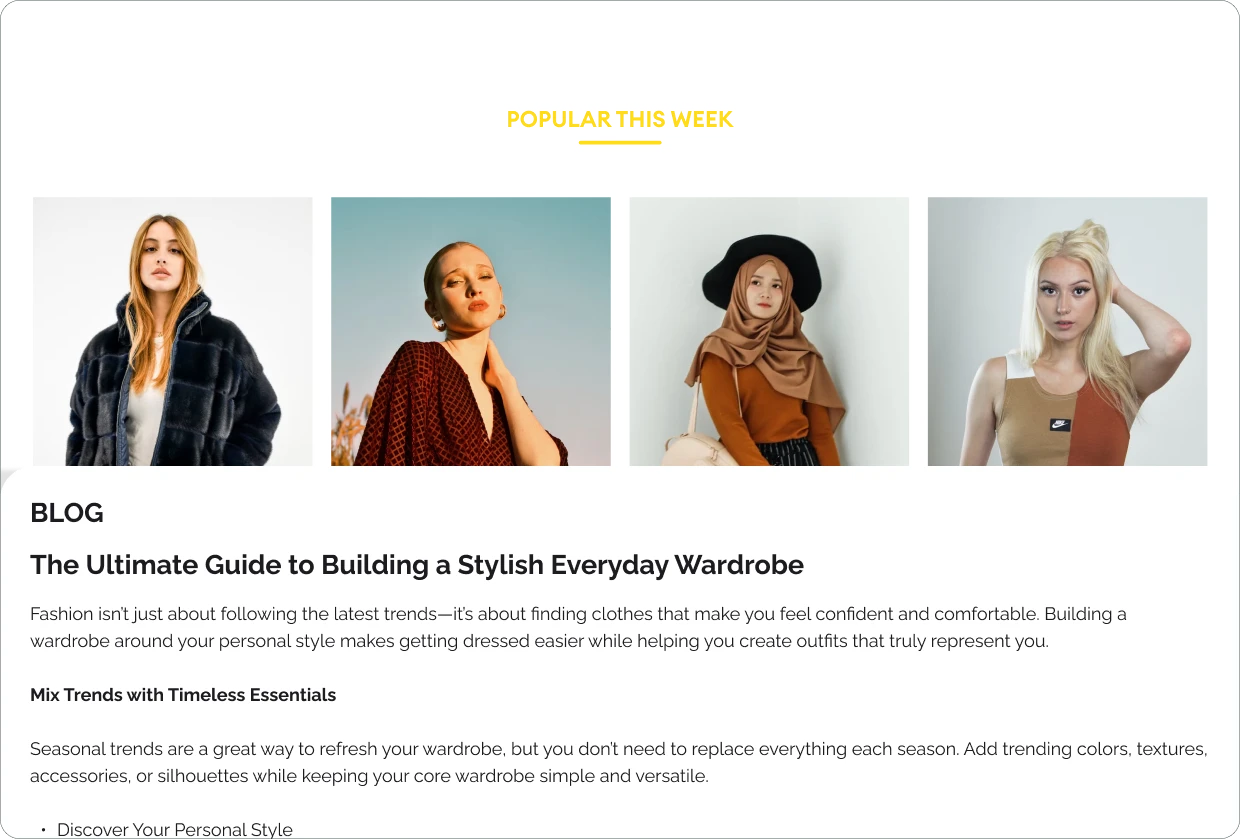
Style guides and seasonal lookbooks
Routine guides and ingredient explainers
Gift guides and care tips
How-to posts and buying guides
Room ideas and product roundups
Recipes and seasonal shopping lists
Create SEO-friendly blog posts without spending hours on every draft.
Qe AI SEO: AI Blog Post gives your store a simple way to plan, write, edit and publish blog content, all from your Shopify admin.


Use a Shopify AI blog generator that builds your titles, outlines and articles, then lets you edit, save and publish from one place.



What is a Shopify AI blog generator?
Is there a free AI blog generator for Shopify?
How do I write an SEO-friendly blog post on Shopify with AI?
Can I choose the tone, length and keywords of AI-written blog posts?
Can I edit AI-generated posts and publish them straight to my Shopify blog?
We love hearing from you, please drop us a note anytime. Got any questions or suggestions, or just want to know what we can do to improve your eStore?
 [email protected]
 +91 95747 42204
 9th Floor, Solitaire Connect, Near Gallops Motors, SG Highway, Ahmedabad, Gujarat 380015