
- Apps


 Easy Bundle ‑ Product Builder
All-In-One bundle builders
 Qe Slider ‑ Carousel Slider
Elevates Revenue with Slick Slider
 Qe Seasonal Effects & Decor
Add Festive Seasonal Decorations
 Qe Quick Link Redirect
Fix Broken Links Effortlessly
 Qe Frequently Bought Together
Boost Sales with Smart Upsells
 QeApps ‑ Mobile App Builder
No-code Mobile App Builder
 Qe Product Compare
Allowing Shoppers to Compare Items
 Discount Bulk Volume Quantity
Create Custom Product Bundles
 Sticky Cart+ Fly Cart
Add Fly-to-Cart Animations.
 QeCart ‑ Slide Out Cart
Add Dynamic Slide-out cart
 Qe Speechify | Voice Search
Seamless Voice Search Functionality
 Qe FAQ Page & Product FAQs
Customizable Product FAQs
 ATC Button Animation
Add to Cart Button Animations
 Qe CountDown Timer
Create Urgency With Timers
 Qe Auto Gift Add-on
Add Free Gifts Automatically
 Qe Custom Reports – Exporter
Export Custom Store Reports
 Qe Ai SEO
Generate SEO-Ready Blog Posts
 Qe AI Content Generator
Create SEO-Friendly Content
 AI CRO Find Fix Revenue Leaks
Find and Fix Conversion Leaks
 Qe Cart Upsell
Increase Sales With Upsells

Explore Our Shopify Apps to Grow Your Store
- Check Our Apps


Build Custom Shopify Reports That Drive Decisions
Get 50+ ready-made reports, a custom report builder, advanced SQL queries, one-click CSV export and automated delivery. All in one Shopify app.

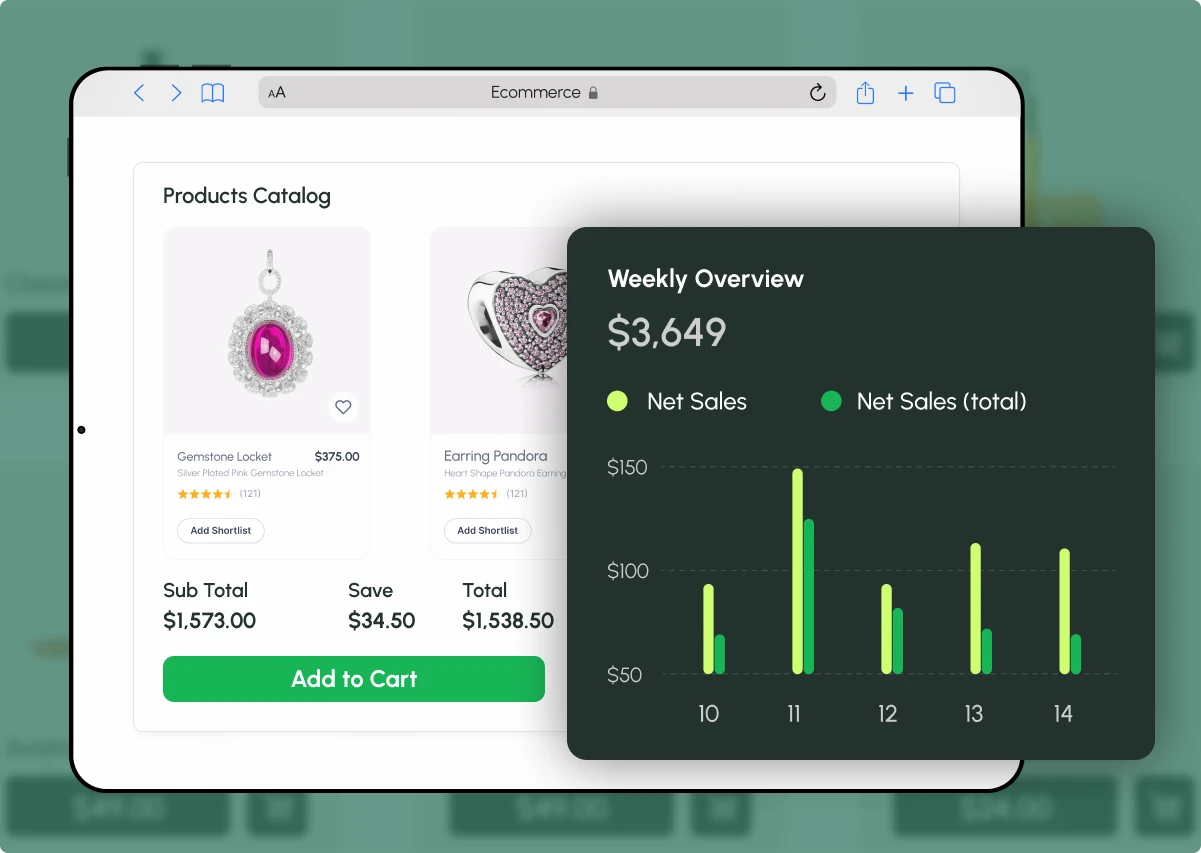
Why Better Reporting Matters for Your Store
When your store data is clear and easy to share:
Sales Visibility
You see what is selling and what is not.
Data-Driven Decisions
You make decisions from real numbers, not guesses.
Easy Reporting
You send reports to your team or accountant without rework.
All-in-One Shopify Reporting and Export App
Advanced analytics, export and automation in one place.
50+ ready-made reports across sales, products, customers, orders and locations
Custom report builder with field selection and advanced filters
Live report preview before you export
Export as CSV with one click
Advanced SQL query builder for deeper analysis
Sales over time and product performance tracking
Scheduled reports with email delivery
Export history for past reports
No complex setup, install and start using it
Core Features
Everything you need to build, export, automate and review your reports.
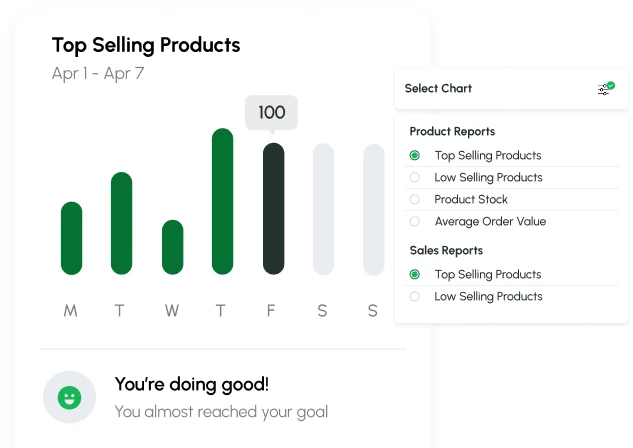
50+ Ready-Made Reports
Choose from more than 50 reports across customers, products, orders and more. Open one and read your numbers straight away.
- Sales, product, customer, order and location reports
- Advanced reports such as Top Customers List and New vs Returning Customers
- Reports grouped by category, so they are easy to find
Custom Report Builder
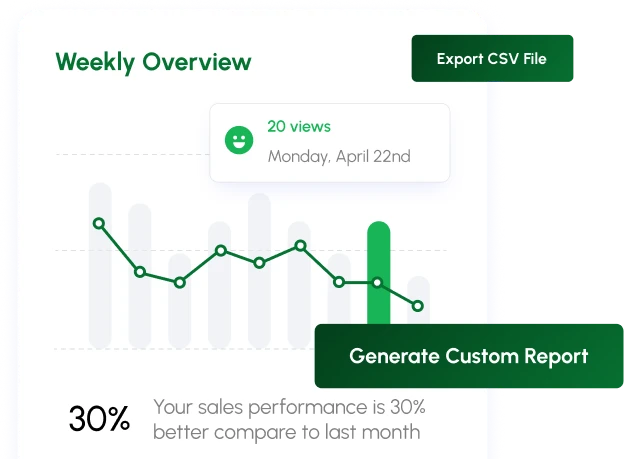
Build a report from the fields you choose, then check it before you export.
- Select specific report fields, such as order number, date, total price & fulfilment details
- Use advanced filters, such as fulfilment status
- See a live report preview and search inside it
- Generate the report, then export as CSV with one click
Advanced SQL Reports
For deeper analysis, run Advance Query-Sql reports.
- Select tables: Orders, Customers, Products and Order Items
- Filter by date range, customer, product category and order status
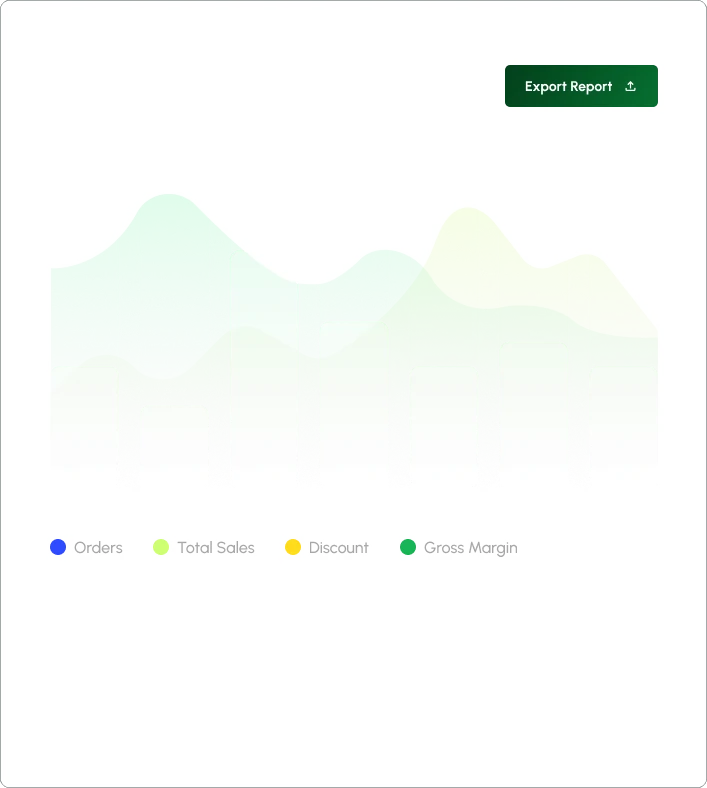
- Run the query and read results in a table and a chart
- See figures such as orders, gross sales, net sales, discounts, taxes, shipping charges, cost of goods and gross margin
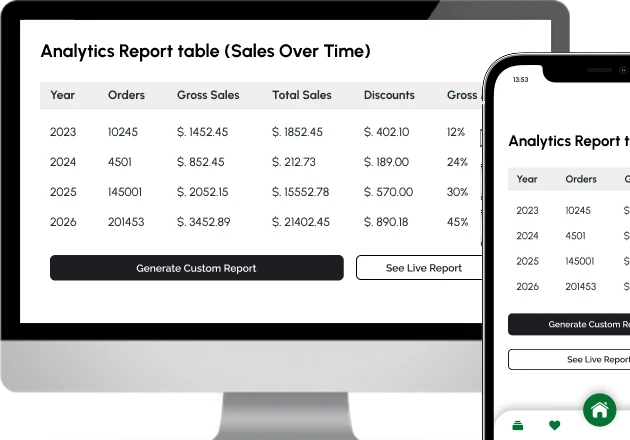
Trend Analysis
See how your store performs over time.
- Track sales over time
- Monitor product performance
- Spot clear business trends in tables and charts
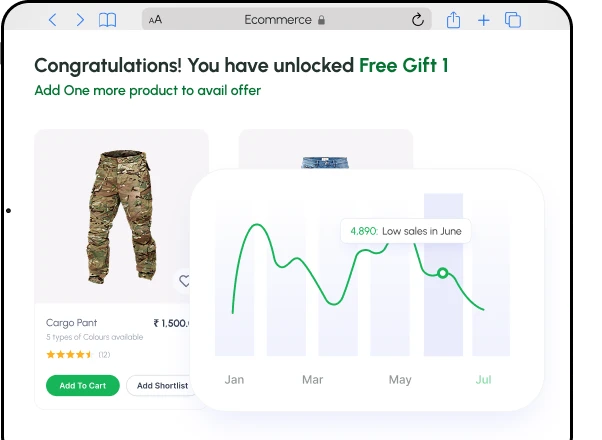
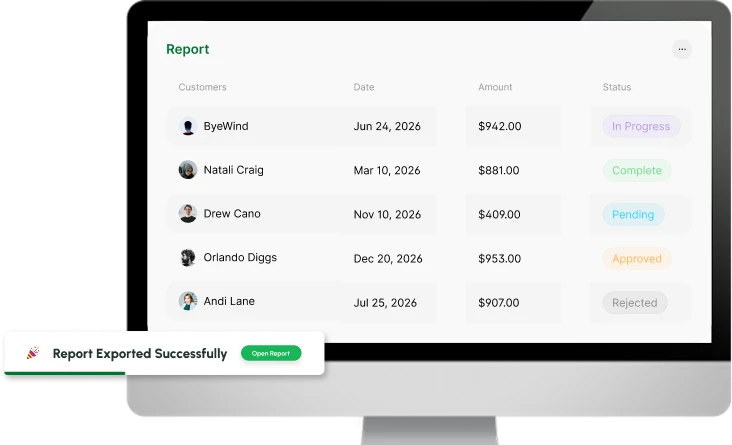
CSV Export
Take your report out of Shopify in one click.
- Export as CSV from the report page
- Open it in your spreadsheet tool
- Share it with your team or accountant
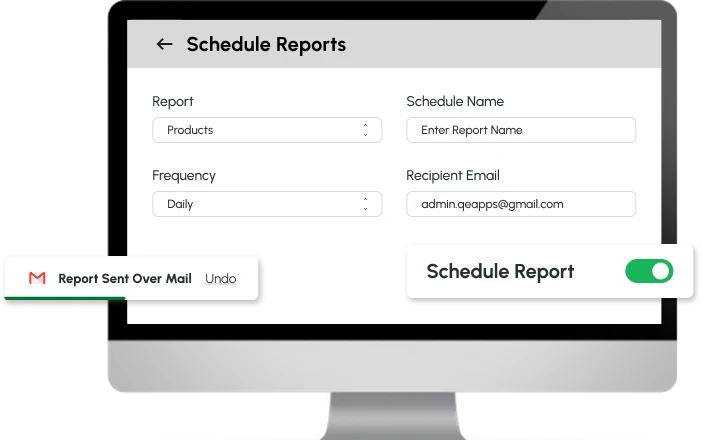
Scheduled Reports with Email Delivery
Automate the reports you need on a regular basis.
- Schedule reports to generate automatically
- Get each report delivered by email
- Save time on repeat reporting
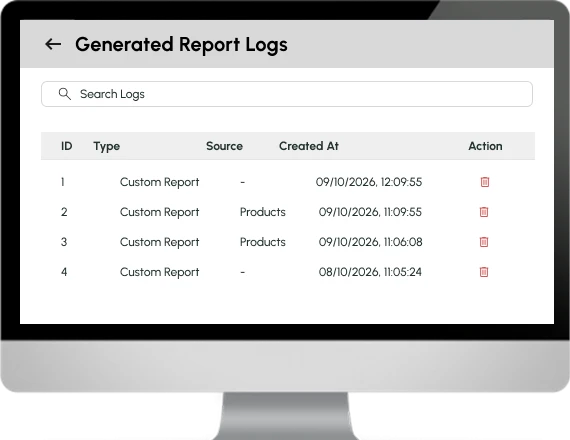
View History and Logs
Keep track of what you have exported.
- Find past exports in the Export History section
- Check detailed logs for your reports
- Go back to earlier numbers without starting again
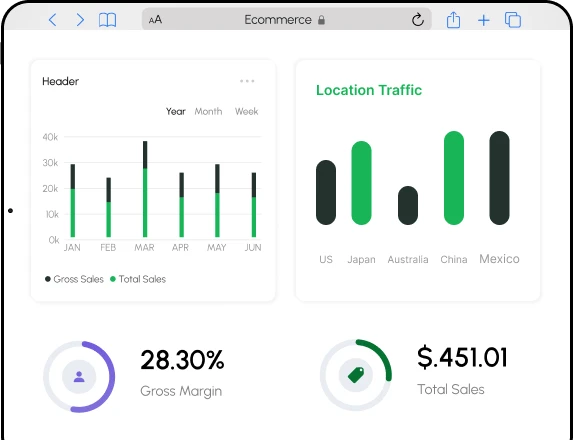
Dashboard and Easy Navigation
Find everything in one place.
- One simple menu for everything
- Open report cards from one screen
- Create and export in the same place
What Qe Custom Reports - Exporter Solves
See the difference between reporting with and without the app.
- All your store data in one place
- 50+ ready-made reports
- Custom reports with filters and live preview
- One-click CSV export
- Scheduled reports by email
- Advance Query-SQL reports
- View history and logs
- Scattered data
- Reports built by hand every time
- Manual work to shape the data
- Data copied between tools
- Someone has to remember to run them
- No clear insights
- Past reports hard to trace
Reports for Every Part of Your Store
Pick the area you want to understand and open the report.
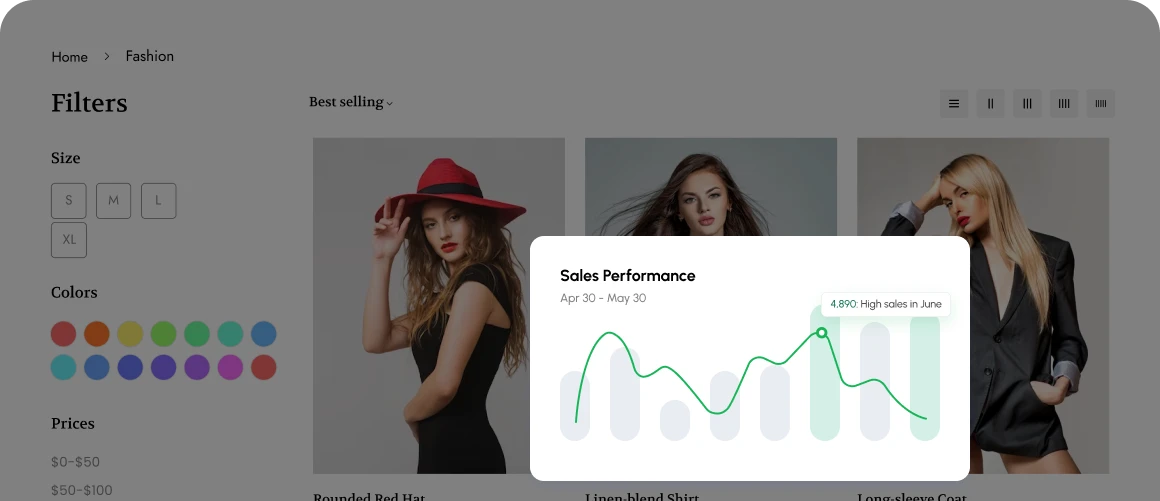
Sales Reports
Follow sales by day, week, month and quarter.
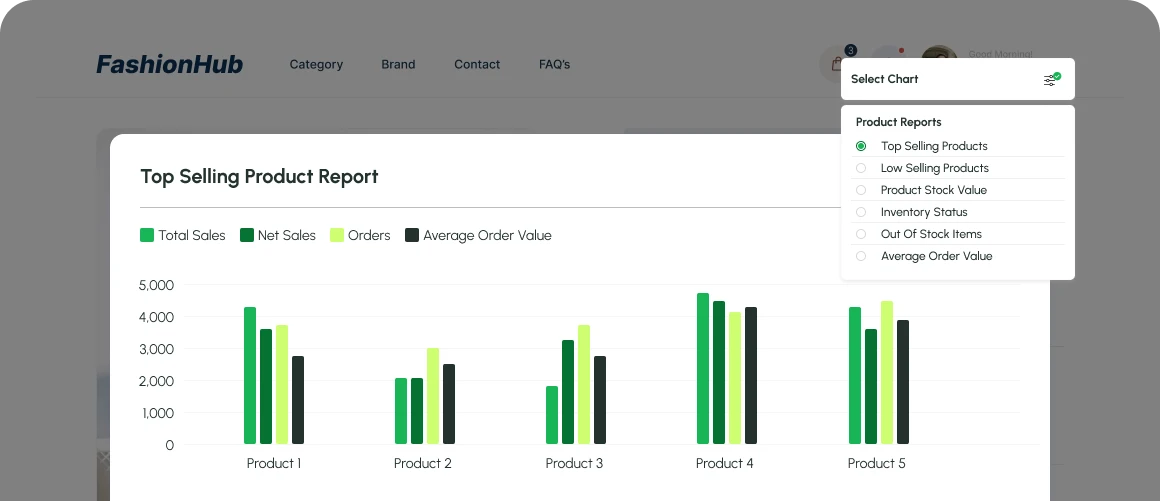
Product Reports
Track top sellers, returns and stock.
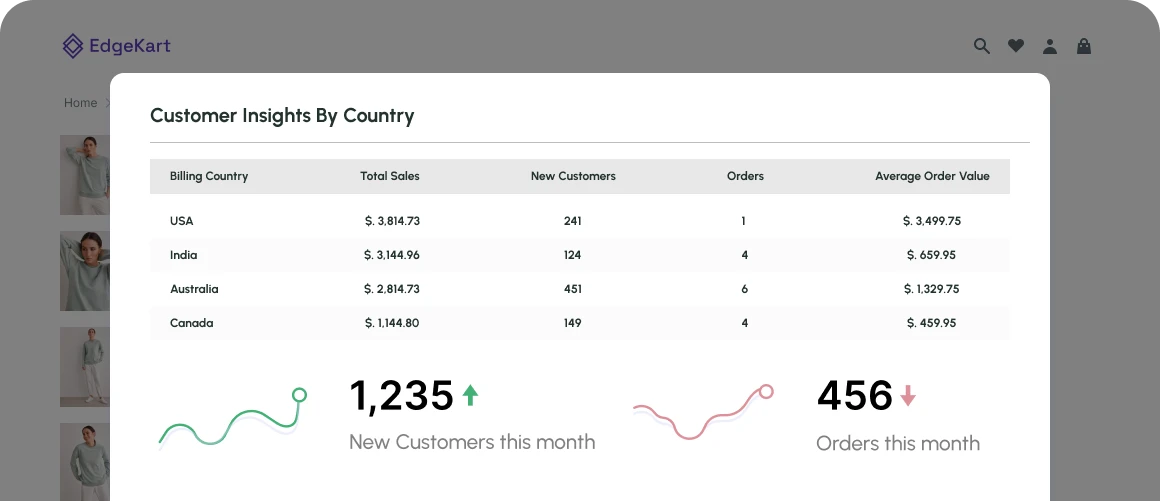
Customer Reports
See who your customers are and where they are.
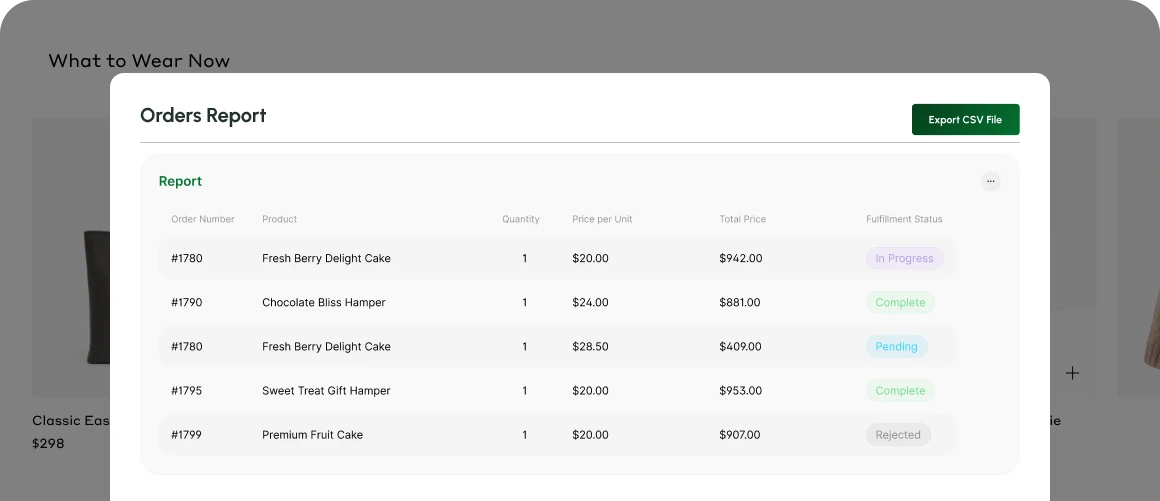
Order Reports
See items sold per order and unshipped orders.
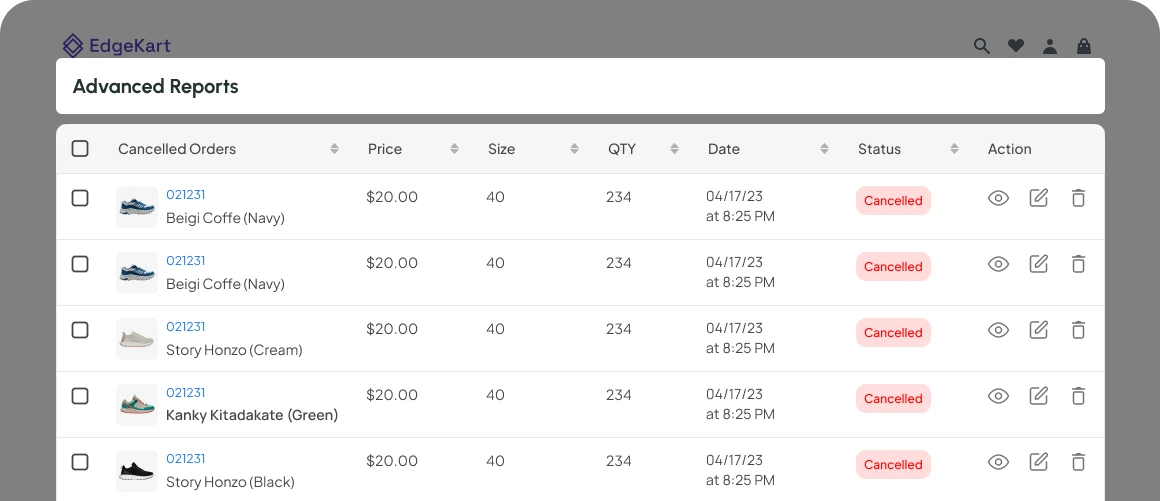
Advanced Reports
Go deeper with sales and customers reports.
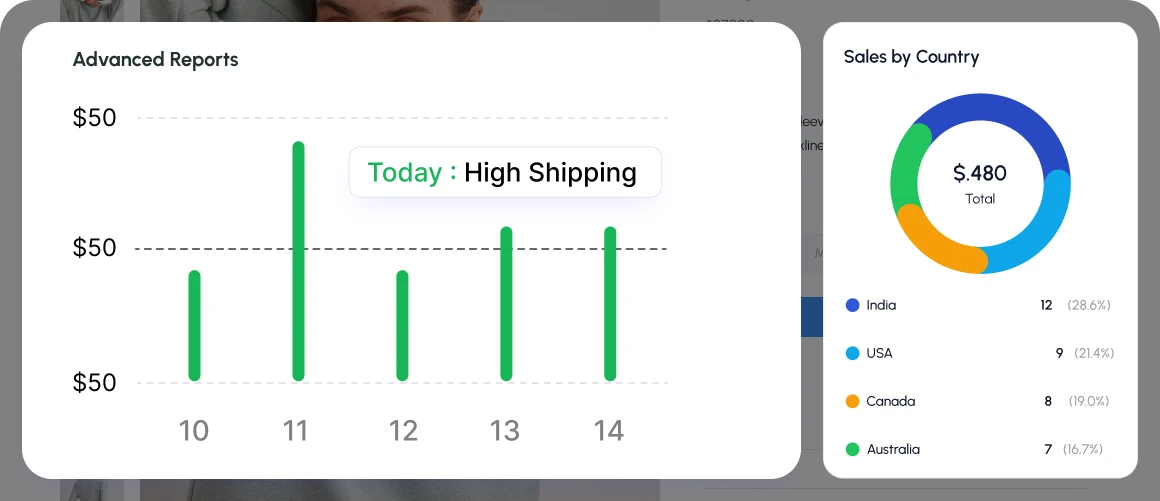
Location Reports
Compare sales and shipping by place.
Built for the People Who Work with Store Data
Whoever reads the numbers in your business can get to them faster.
Store owners
Who want a clear view of sales and products.
Operations teams
Who track orders, pending items and stock.
Finance teams
Who need data as a CSV file.
Marketing teams
Who study customer segments, cohorts and locations.
Advanced users
Who want Advanced SQL reports.
Product teams
who review top sellers, returns and products by type or tag
How to Get Started with Qe Custom Reports - Exporter
Three steps from install to your first report.
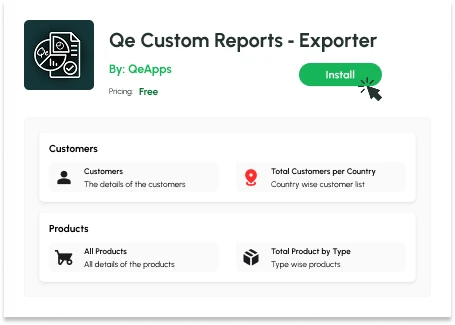
Install the App
Add it from the Shopify App Store. There is no complex setup.
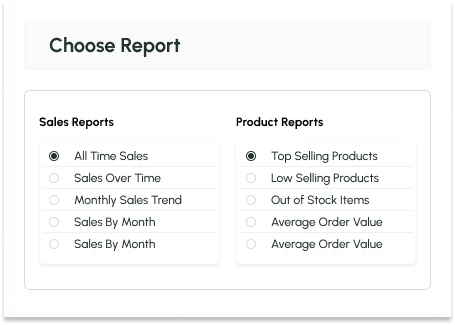
Pick a Report or Build Your Own
Open one of the 50+ ready-made reports, or use the Custom Report Builder to choose your fields and filters.
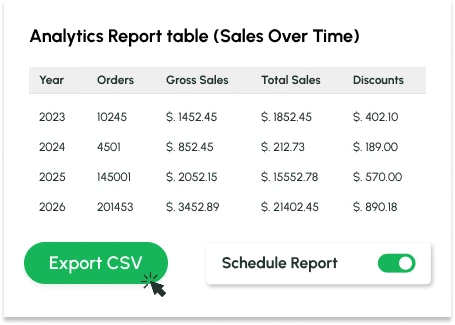
Export or Automate
Export as CSV with one click, or schedule the report to arrive by email.
Benefits You Will Notice
What changes once your reporting runs in one place.
Work Faster
- Faster decisions from clearer data
- Less manual work on repeat reports
See Clearly
- One place for sales, orders, products & location data
- Reports you can check in a live preview before exporting
Share easily
- Files that open in the tools your team already uses
- A record of past exports
Grow with Confidence
- Room to grow, from ready-made reports to SQL
- Secure and reliable data handling
Start Reporting for Free
Get 50+ ready-made reports, a custom report builder and SQL queries, without changing your theme or adding complicated code.
Qe Custom Reports - Exporter turns your Shopify data into clear reports you can export, schedule and review, so you spend less time on manual work.
Monthly Plan
$0/Month
- 50+ ready-made reports
- Custom report builder with filters
- Advanced SQL queries
- CSV export
- Scheduled email reports
- Export history
Get Clearer Store Data Without the Manual Work
Add Qe Custom Reports - Exporter to your Shopify store. Open a ready-made report, build your own, or write an SQL query. Then export it or let scheduled delivery handle the routine.

Frequently Asked Questions
What is Qe Custom Reports - Exporter?
How many ready-made reports are there?
Can I build my own Shopify report and export it as CSV?
Do I need to know SQL?
Is the app free?
Let’s Get in Touch Us
We love hearing from you, please drop us a note anytime. Got any questions or suggestions, or just want to know what we can do to improve your eStore?


 [email protected]
 +91 95747 42204
 9th Floor, Solitaire Connect, Near Gallops Motors, SG Highway, Ahmedabad, Gujarat 380015


