
- Apps


 Easy Bundle ‑ Product Builder
All-In-One bundle builders
 Qe Slider ‑ Carousel Slider
Elevates Revenue with Slick Slider
 Qe Seasonal Effects & Decor
Add Festive Seasonal Decorations
 Qe Quick Link Redirect
Fix Broken Links Effortlessly
 Qe Frequently Bought Together
Boost Sales with Smart Upsells
 QeApps ‑ Mobile App Builder
No-code Mobile App Builder
 Qe Product Compare
Allowing Shoppers to Compare Items
 Discount Bulk Volume Quantity
Create Custom Product Bundles
 Sticky Cart+ Fly Cart
Add Fly-to-Cart Animations.
 QeCart ‑ Slide Out Cart
Add Dynamic Slide-out cart
 Qe Speechify | Voice Search
Seamless Voice Search Functionality
 Qe FAQ Page & Product FAQs
Customizable Product FAQs
 ATC Button Animation
Add to Cart Button Animations

Explore Our Shopify Apps to Grow Your Store
- Check Our Apps

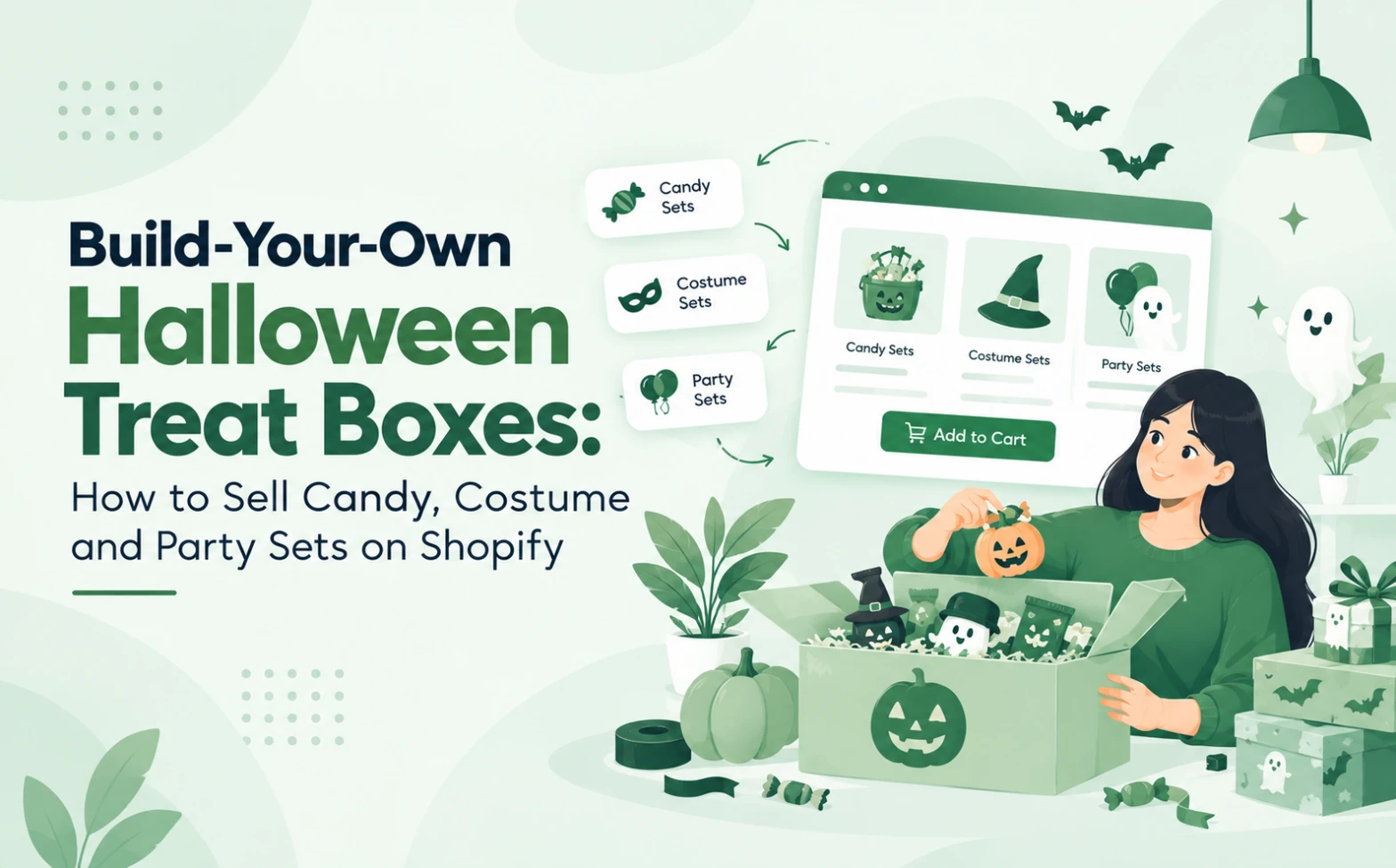
A fixed Halloween bundle rarely fits the shopper. One buyer wants nut-free sweets for a classroom. Another wants a witch hat, face paint and a few chocolates. A third is hosting a party for twelve. Each arrives with a different budget and a different list. You can serve all three without building three separate products.
That gap is why the Halloween treat boxes Shopify merchants sell often work best as customer-chosen sets. When shoppers pick the items, one catalogue can serve many occasions. This guide explains what to sell, how to set it up, how to price it and how to help shoppers find it.
What Are Build-Your-Own Halloween Treat Boxes?
A build-your-own Halloween treat box is a product where the shopper chooses the items inside. The merchant sets the box type, the eligible products and the price rules. The customer then fills the box with candy, costume accessories or party items before checkout.
A fixed bundle works differently. You pick the contents, so every buyer gets the same box. In a customer-configured box, the shopper makes those choices. You still control the range, the limits and the margin.
Why Custom Halloween Boxes Make Sense for Shopify Merchants
Halloween demand is large, but it is split across many small purchases. In the US, the National Retail Federation (NRF) expects Halloween spending to reach $13.5 billion in 2026. Its survey found that 96% of consumers plan to buy candy, worth $4.1 billion, while costumes add $4.4 billion. These figures cover the US only, but they show how many separate items one holiday sells. Halloween treat boxes Shopify stores can sell and bring several of those items into one basket.
Custom boxes also solve practical selling problems:
- Budgets: offer small, medium and large boxes from the same range.
- Occasions: let classroom, party and trick-or-treat shoppers build different sets.
- Discovery: shoppers see products they did not search for.
- Basket value: more items per order can raise average order value, though it is never guaranteed.
3 Halloween Box Ideas You Can Sell on Shopify
1. Build-Your-Own Halloween Candy Boxes
Let shoppers choose eight items from a range of 30. Your list might include chocolate bars, gummies, sour sweets and a nut-free section.
Check a few details first. Label allergens clearly on each product. Think about shelf life and melting risk before you ship chocolate in warm weather. Also confirm import rules, because confectionery restrictions differ by country. Never assume every candy can ship everywhere.
2. Mix-and-Match Halloween Costume Kits
Start with a base item, such as a cape or witch hat. Then let shoppers add three accessories, for example, face paint, a wand and gloves.
Keep compatibility in mind. Sizes must fit the base item, and age suitability should show on every product. Small parts and local safety labelling also matter for children’s items, so check the rules in your market.
3. Custom Halloween Party and Trick-or-Treat Sets
Organise this set by party size instead of product type. Offer a box for six, twelve or twenty-four guests. Inside, shoppers can choose favour bags, treat buckets, table decorations and small games.
Here the shopper picks a quantity and an occasion, so you can set clear spending tiers.
How to Set Up Halloween Treat Boxes Shopify Shoppers Can Build Themselves
Follow these six steps, whichever tool you use.
1. Choose the products shoppers can include. Pick items with healthy margins and reliable stock.
2. Group them by occasion, category or box type, such as candy, costumes and party items.
3. Set box sizes, item limits and prices. Decide how many items each box holds and what each size costs.
4. Build the shopper experience. A clear flow works best: choose a box, pick items, add a message, then review. Standard product pages suit fixed items, so many merchants use an app for this step. For a walkthrough, read the QeApps gift box builder setup guide.
5. Test everything. Add boxes to the cart, change quantities, apply a discount and complete a test checkout on mobile.
6. Prepare stock, packaging and fulfilment. Check inventory counts, packing time and delivery cut-offs before you publish.
How to Price Halloween Treat Boxes Without Losing Margin
Pricing Halloween treat boxes Shopify merchants sell starts with cost, not basket size. A bigger basket does not guarantee a better profit. Count product cost, packaging, packing time and any shipping you absorb. Then set a minimum contribution margin, which is the money left after those direct costs.
Here is a hypothetical example. Eight sweets sell separately at $2.00 each, so a full box is worth $16.00. Product cost is $7.20. Packaging adds $1.50, packing labour adds $1.50 and absorbed shipping adds $2.50, which makes $12.70 in total. If you offer a 10% box discount and charge $14.40, you keep $1.70, or about 12%. Without the discount, you keep $3.30, or about 21%.
So test every discount against margin before launch. Three habits help:
- Sell tiered sizes, such as 6, 10 and 16 items, so larger boxes earn more per order.
- Use a free shipping threshold instead of a deeper discount.
- Cap low-margin items, or exclude them from discounted boxes.
How to Help Shoppers Discover Your Halloween Boxes
For Halloween treat boxes Shopify shoppers can find easily, merchandising matters more than broad promotion. Many shoppers also start early, because NRF found that 49% of consumers begin Halloween shopping in September or earlier. So list your boxes early and show stock limits clearly.
- Create collection pages by occasion, such as “classroom treats” or “party kits”.
- Write product descriptions in the words shoppers search, like “nut-free Halloween treat box for school”.
- Add a Halloween gift guide page that links to each box type.
- Show delivery cut-off dates on product pages and in the cart.
To set the mood on your storefront, Qe Seasonal Effects & Decor includes Halloween effects.
Make Halloween Box Building Easier With QeApps
The BYOB ‑ Bundle Gift Box Builder app from QeApps lets customers build their own box on a Shopify store without code, which suits Halloween treat boxes Shopify merchants want to launch quickly. Its product page shows the Built for Shopify badge and a 5.0 rating across 300+ reviews. Several features match the ideas above:
- Mix-and-match and fixed price builders suit candy boxes and set-price party kits.
- Quantity, product and cart discounts support tiered box sizes. These sit on the Essential plan and above.
- Multi-step builders let you add a card or message step, which suits gifted costume kits.
- Multiple boxes functionality lets you offer more than one box size.
- Automatic and manual inventory management helps keep stock counts accurate.
- A builder with product filters helps shoppers search a long range by category or price.
Plans start at $19 a month, and a free trial is available.
Final Thoughts
Fixed Halloween packs ask every shopper to want the same thing. Halloween treat boxes Shopify customers build themselves; let a teacher, a parent and a party host each shape a set that fits. Start with one candy box, add a costume kit and a party set once it works, and review your margin after the first orders.
Ready to try it? Explore BYOB ‑ Bundle Gift Box Builder on the QeApps site, or view it on the Shopify App Store.
Frequently Asked Questions
Q.1 How do I create a Halloween treat box on Shopify?
Choose the products, group them by occasion, set box sizes and prices, then build the selection page. Test the cart and checkout, and confirm stock and packaging before launch. You can sell a fixed box with standard products or let shoppers choose items with a box builder.
Q.2 Can customers choose their own candy in a Shopify gift box?
Yes, if your store has a way to let shoppers select items for one box. Fixed products cannot do this alone. A box-building app lets customers pick each sweet, while you control the range, the item count and the price.
Q.3 What should I include in a Halloween party favour box?
Mix small treats, a themed accessory and a low-cost activity, such as stickers or a mini game. Match the contents to the age group, label allergens and avoid small parts for young children. Offer sizes by guest count so hosts can order quickly.
Q.4 How do I price custom Halloween gift boxes?
Add product cost, packaging, packing time and absorbed shipping, then set a minimum margin. Use tiered box sizes instead of one deep discount. Test each price with a worked example, so a bigger basket does not hide a thinner profit.
Q.5 Do I need a Shopify app to sell build-your-own boxes?
Not always. You can sell fixed boxes with standard products and variants. However, a box where shoppers choose each item needs extra logic for selection, pricing and stock. That is why many merchants add a box-building app.
Related Blogs






 [email protected]
 +91 95747 42204
 9th Floor, Solitaire Connect, Near Gallops Motors, SG Highway, Ahmedabad, Gujarat 380015


