
- Apps
 BYOB ‑ Bundle Gift Box Builder
Build your Own Box
 Easy Bundle ‑ Product Builder
All-In-One bundle builders
 Checkout Blocks & Customizer
Checkout Customization
 Qe Slider ‑ Carousel Slider
Elevates Revenue with Slick Slider


 Qe Seasonal Effects & Decor
Add Festive Seasonal Decorations
 Qe Quick Link Redirect
Fix Broken Links Effortlessly
 Qe Frequently Bought Together
Boost Sales with Smart Upsells
 QeApps ‑ Mobile App Builder
No-code Mobile App Builder
 Qe Product Compare
Allowing Shoppers to Compare Items
 Qe Multiship
Ship Items to Multiple Addresses
 Discount Bulk Volume Quantity
Create Custom Product Bundles
 Sticky Cart+ Fly Cart
Add Fly-to-Cart Animations.
 QeCart ‑ Slide Out Cart
Add Dynamic Slide-out cart
 Qe Speechify | Voice Search
Seamless Voice Search Functionality
 Qe FAQ Page & Product FAQs
Customizable Product FAQs
 ATC Button Animation
Add to Cart Button Animations

Explore Our Shopify Apps to Grow Your Store
- Check Our Apps

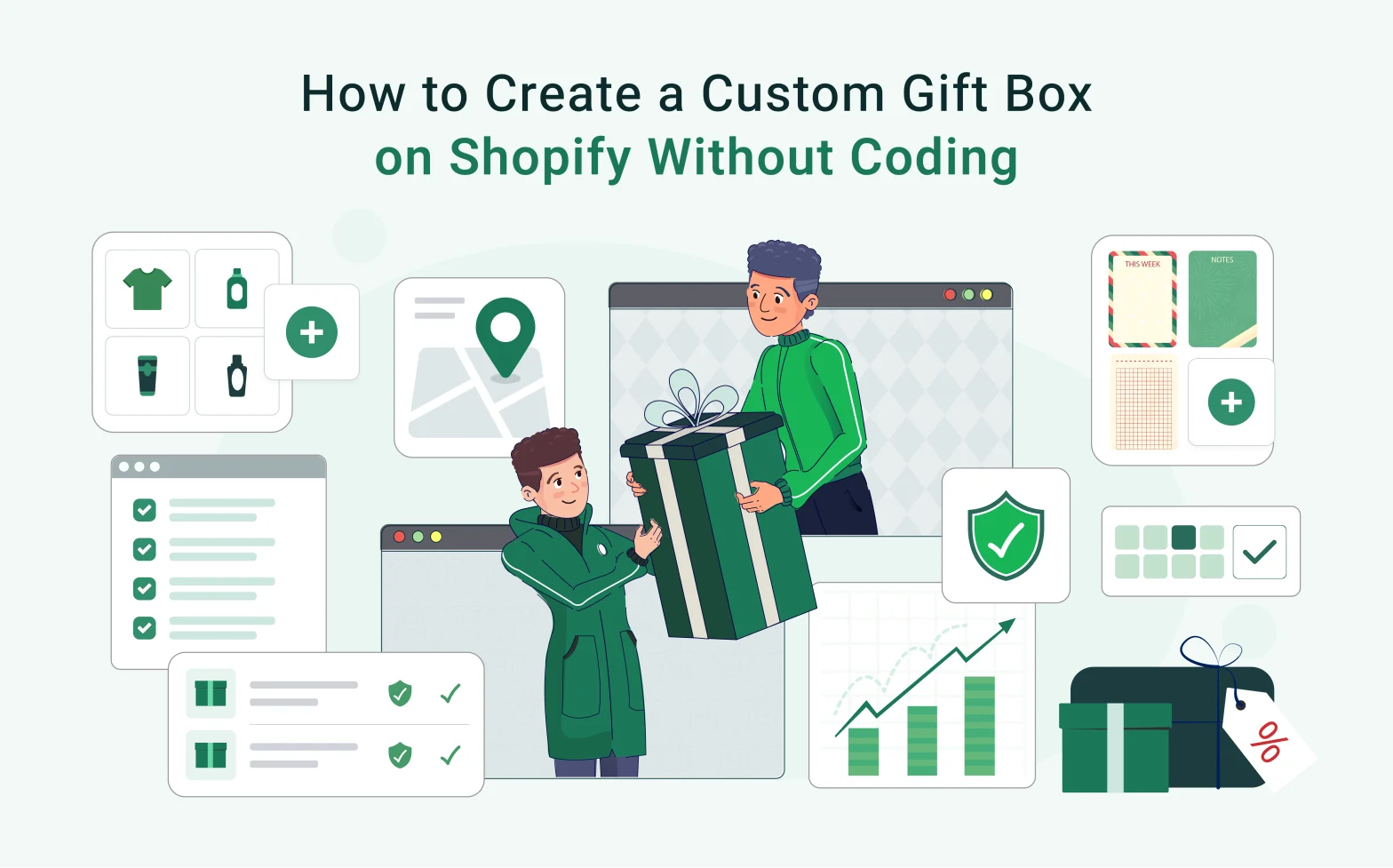
Gifting is no longer a seasonal afterthought; it’s a year-round revenue channel. If you’re a Shopify merchant who hasn’t yet built a proper Custom Gift Box Shopify experience into your store, you’re leaving real money on the table. The good news: you don’t need a developer, a custom theme, or a single line of code to get it done.
This guide walks you through exactly how to set one up from concept to live and shows why the right Shopify gift box builder changes the economics of every gifting season you run.
Why Custom Gift Boxes Are a Serious Revenue Opportunity
Personalisation has moved from a nice-to-have to a purchase driver. Shoppers don’t just want products; they want to feel like the buying experience was designed for them. Gift boxes sit right at the intersection of personalisation and perceived value.
The numbers support this. According to Deloitte’s consumer research, 36% of consumers are interested in purchasing personalised products or services, and those who do are willing to pay a premium of up to 20% more. Meanwhile, the NRF consistently reports that gift card and gifting categories drive some of the highest per-transaction spend across holiday periods.
For Shopify merchants, this creates a concrete opportunity: a well-built gift box experience increases average order value (AOV), drives product discovery across your catalogue, and gives customers a reason to come back for every occasion, birthdays, holidays, corporate gifting, and beyond.
The obstacle for most merchants has been technical. Shopify’s default product structure isn’t built for “pick 5 items from this collection and bundle them together”. Without a dedicated tool, merchants either push buyers through a clunky workaround or skip the gifting experience entirely.
What Merchants Lose Without a Proper Gifting Experience
Skipping custom gifting doesn’t just mean missing a few holiday orders. It has compounding effects throughout the year.
Lower AOV. A customer buying one product spends once. A customer building a gift box of four or five products spends three to five times more in a single session. Shopify data consistently shows that bundle-style purchases are among the highest-AOV transaction types across merchant categories.
Cart abandonment. According to the Baymard Institute, the average documented cart abandonment rate sits at approximately 70.19%. A significant driver is friction in the purchase flow – especially when customers want to buy for someone else but can’t easily curate or personalise what they’re sending. (Source: https://baymard.com/lists/cart-abandonment-rate)
Lost gifting occasions. Valentine’s Day, Mother’s Day, Christmas, Diwali, corporate onboarding, these aren’t one-off spikes. They’re predictable, repeatable revenue windows. Merchants without a gift-box experience rely on generic product pages that do nothing to match the emotional intent of a gift buyer.
Poor product discovery. Gift boxes naturally expose customers to products they wouldn’t have found on their own. Without that mechanism, smaller or newer SKUs in your catalogue sit invisibly while bestsellers carry all the load.
The Tool That Makes This Possible: QeApps BYOB
Before diving into the steps, you need to know what you’re working with, because the process only takes minutes when you have the right tool in place.
QeApps BYOB (Build Your Own Bundle) is a purpose-built Shopify gift box and bundle builder designed for merchants who want to offer personalised gifting without touching a line of code. It installs directly from the Shopify App Store, integrates with your existing theme automatically, and gives you a merchant dashboard where every aspect of your gift box, products, pricing, rules, and messaging – is configured through a clean visual interface.
Here’s why merchants choose it:
- No developer needed. Setup, customisation, and edits all happen inside the app. Nothing touches your theme files.
- Works with every Shopify theme. The builder renders natively on your shopfront, styled to match your brand out of the box.
- 10,000+ stores powered. Trusted by merchants across beauty, food & beverage, gifting, fashion, home, and baby categories worldwide.
- 4.9 rating across the Shopify App Store, with real merchant results to back them up.
- 14-day free trial. Build, test, and validate your gift box experience before spending a dollar.
Merchants like Baiabox saw a 79% increase in AOV after going live. Hug in a Box generated €41,212 in direct builder revenue. These aren’t edge cases, they’re what happens when the right gifting infrastructure meets a motivated buyer.
Now here’s exactly how to set it up.
How to Create a Custom Gift Box for Shopify (Step-by-Step)
Here’s the complete process for building a gift box experience on your Shopify store, without writing a single line of code.
Step 1: Choose the Products That Go Into Your Gift Box
Start by deciding which products your customers can choose from. You might allow shoppers to pick from an entire collection (e.g., all skincare SKUs), a curated subset (e.g., “holiday favourites”), or products across multiple categories.
With BYOB, you select eligible products or collections directly from your Shopify catalogue inside the app. No manual tagging or variant editing required.
Merchant tip: Keep the selection focused. Offering 6–12 curated options tends to convert better than an open-ended catalogue of 100+ SKUs. Decision fatigue is real; guide the choice.
Step 2: Set Box Size Rules and Bundle Logic
Decide how the box works structurally: Does the customer fill a box of exactly 5 items? At least 3? Up to 8? Do certain slots require specific product categories?
BYOB lets you set minimum and maximum product quantities per builder, enforce slot-level rules (e.g., “1 candle + 2 skincare items + 1 card”), and control whether customers can duplicate selections or must pick unique products.
This is where most merchants spend the most setup time, and it’s also where the biggest AOV gains are made. A “fill a box of 4” structure naturally pushes customers to add more than they originally intended.
Step 3: Enable Mix-and-Match Selection
The actual shopping experience, where customers browse and select products for their box, needs to feel intuitive. A grid of product images they can tap to add, with a running counter showing slots filled, is the standard that works.
BYOB renders a mix-and-match builder page on your storefront that matches your existing Shopify theme. Customers see product photos, names, and prices. As they select items, a visual tray fills up. No custom CSS needed on your end.
You can also add filters so customers can sort the product grid by category, scent, size, recipient, or whatever attribute is relevant to your catalogue.
Step 4: Add Gift Messaging
Gifting without a personal message is a missed moment. Giving buyers the ability to write a note, even a short one, increases emotional connection to the purchase and reduces the likelihood of returns or “this doesn’t feel like a gift” complaints.
BYOB supports custom gift message fields at the builder level. You can make it optional or required. The message is attached to the order and visible in your Shopify admin when fulfilling.
Some merchants also use this step to offer audio or video messages, a feature BYOB supports for stores that want to push the personalisation experience further.
Step 5: Set Pricing and Apply Discounts
How you price the gift box matters. Merchants typically use one of three models:
Fixed price – the completed box has a set price regardless of what’s inside. Works well for pre-curated gift sets.
Dynamic pricing – the total adjusts as products are added. Customers see a live running total. More transparent for mix-and-match builds.
Bundle discount – full price minus a percentage or flat discount when a minimum number of items is reached. Classic “buy 4, save 15%” logic.
BYOB handles all three. Pricing updates in real time as customers build, which reduces checkout hesitation and makes the value proposition of the bundle visible before they commit.
Step 6: Publish and Optimize
Once your builder is configured, BYOB generates a dedicated gift box builder page on your Shopify store. You link to it from your navigation, homepage banners, product pages, or email campaigns.
At launch, watch three metrics: builder start rate (how many visitors begin building), completion rate (how many finish and add to cart), and conversion rate (how many check out). If the completion rate is low, the fix is usually product selection breadth or box size rules. If the conversion rate lags, revisit pricing.
Beyond the Basic Box: Advanced Gifting Strategies
Once your gift box builder is live, you have the infrastructure for several higher-margin plays.
Seasonal campaigns. Build a dedicated holiday gift box builder for Christmas, Diwali, Mother’s Day, Valentine’s Day and many more. Swap the eligible product set, update the builder page copy, and promote it as a limited-time experience.
Corporate gifting. B2B buyers purchasing in volume have very different needs – they want consistency, customisation, and easy reordering. A BYOB builder with quantity discounts and multi-language/multi-currency support (available on the Enterprise plan) handles this well.
Subscription gift boxes. Pairing a gift box builder with a subscription app creates a recurring revenue stream. Customers build their first box, subscribe, and receive a curated (or self-selected) box monthly.
Product discovery. New product launches land better when they’re featured inside gift box builders alongside proven sellers. It gives customers context and a reason to try something unfamiliar.
AOV optimization. Upselling within the builder, suggesting a complementary add-on as the customer’s box fills, is one of the most effective in-cart revenue strategies available on Shopify.
Your Custom Gift Box Experience Starts Today
Custom gift boxes are one of the clearest, most direct paths to higher AOV and stronger customer retention on Shopify. The merchants winning gifting seasons aren’t doing anything dramatically different, they simply made it easy for customers to build, personalise, and buy. That’s the entire advantage.
If you’ve been waiting for the right time to add a custom gift box Shopify experience to your store, this is it. QeApps BYOB handles everything covered in this guide: the product selection, the bundle logic, the pricing, the gift messaging, and the storefront display, all from a merchant dashboard that requires zero code.
Frequently Asked Questions
Q: Can I create a custom gift box on Shopify without coding?
Yes. Apps like QeApps BYOB handle the entire gift box builder experience through a no-code merchant dashboard. You configure products, pricing rules, and layout without touching your theme files.
Q: How do I increase average order value with gift boxes on Shopify?
Set minimum item counts (e.g., “fill a box of 4”), apply bundle discounts that reward larger selections, and surface complementary products as upsells within the builder flow. These three mechanics together reliably lift AOV per transaction.
Q: Does a Shopify gift box builder work with all themes?
QeApps BYOB is designed to integrate with all Shopify themes. If any theme-specific adjustments are needed, the support team handles that directly, no developer is required on your end.
Q: Can customers add a personal message to a gift box on Shopify?
Yes. BYOB supports custom gift message fields, audio messages, and video messages depending on your plan. Messages are captured at the builder level and visible in your Shopify order dashboard at fulfilment.
Q: Is there a free trial for QeApps BYOB?
Yes. All plans come with a 14-day free trial. Plans start at $19/month (Basic), $39/month (Essential), and $59/month (Enterprise), with tiered features including onboarding support, analytics, and a dedicated success manager.
Related Blogs



 [email protected]
 +91 95747 42204
 9th Floor, Solitaire Connect, Near Gallops Motors, SG Highway, Ahmedabad, Gujarat 380015


